For the complete documentation index, see llms.txt. This page is also available as Markdown.
Setup
The first time you open Cake Wallet, it walks you through two quick steps: setting a PIN, and creating (or restoring) your first wallet. The whole thing takes about two minutes.
1
Welcome
Open Cake Wallet and tap Set a PIN. By continuing, you agree to the Terms of Service linked on this screen.
Cake Wallet welcome screen with Set a PIN button highlighted
2
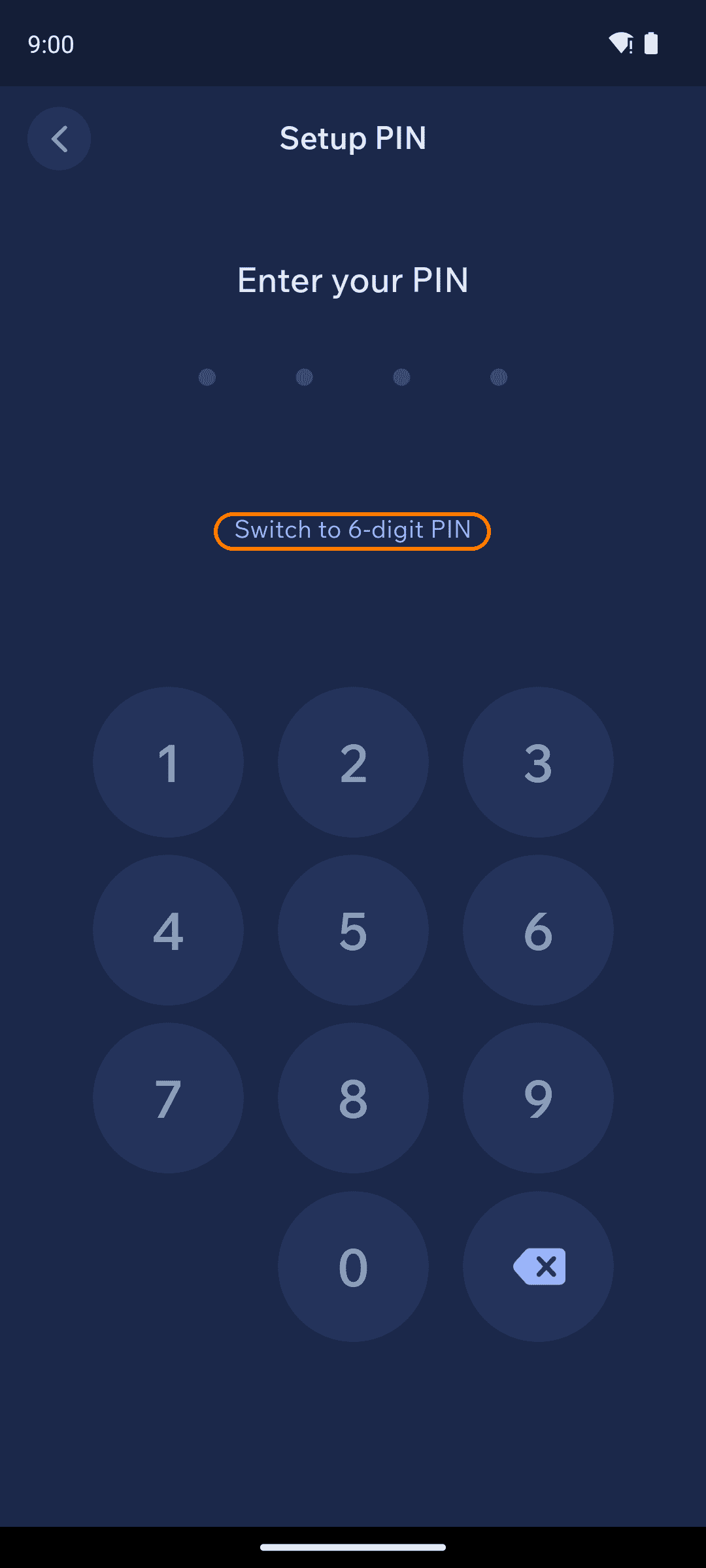
Set your PIN
Enter a PIN, then enter it again to confirm. Cake Wallet uses a 4-digit PIN by default — tap Switch to 6-digit PIN if you'd like a longer one.
Your PIN protects access to the app on this device. It is not a backup — only your seed words can recover your wallet on another device.
Setup PIN screen
3
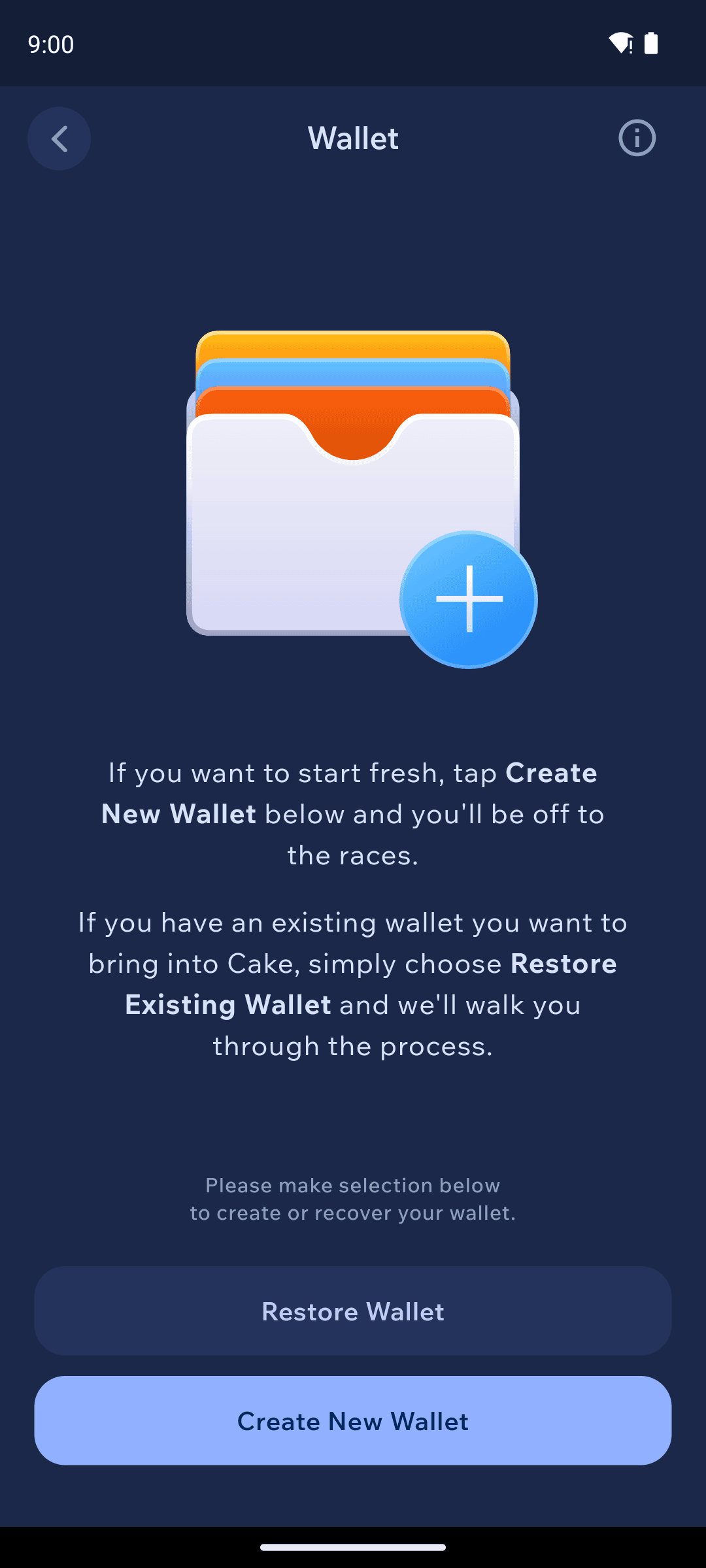
Create or restore
After your PIN is set, choose how to get your first wallet:
Create New Wallet — start fresh. Continue with the Create new wallet guide.