For the complete documentation index, see llms.txt. This page is also available as Markdown.
Seed or keys
NEVER share your seeds/keys with anyone! If you do, they can steal your funds. Always save your seeds in a safe place!
Choose your currency
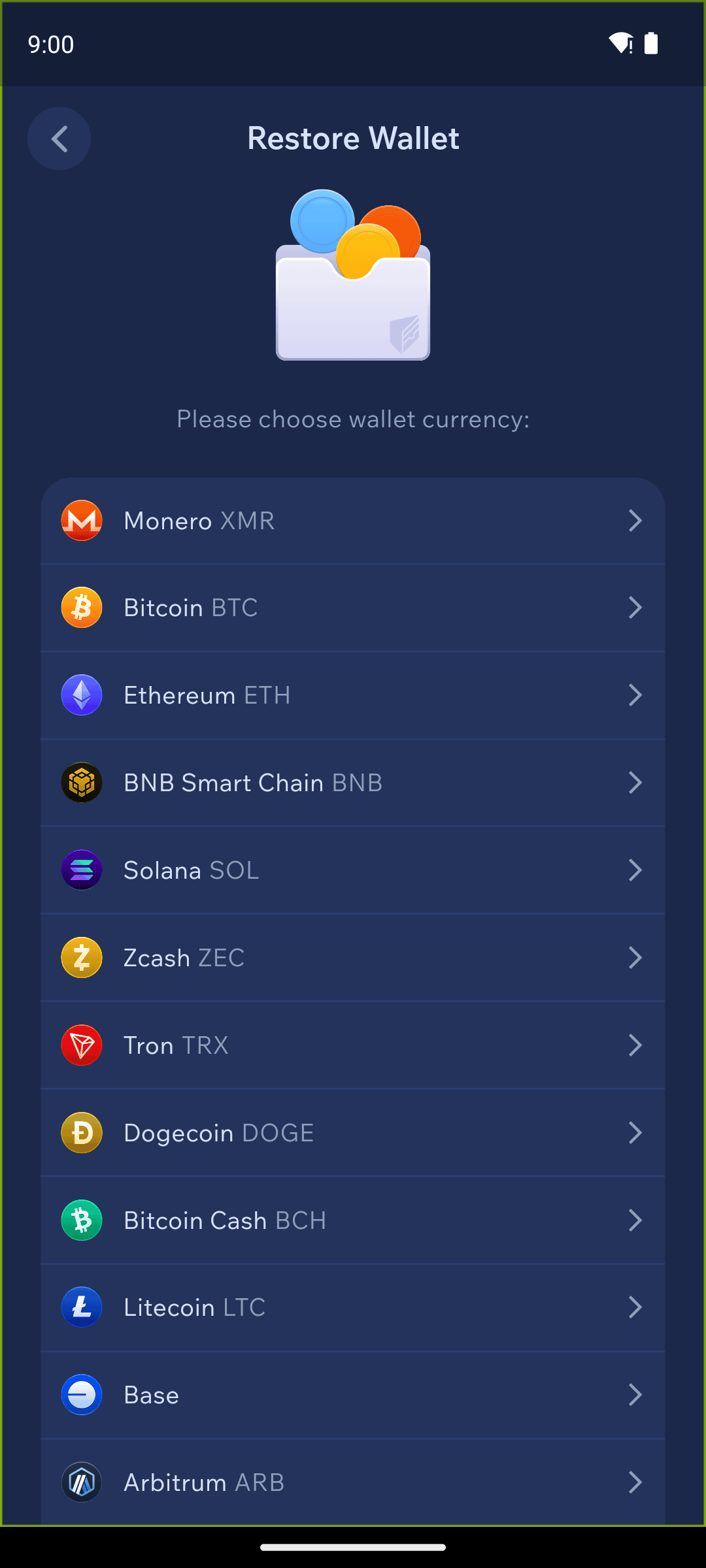
After tapping Seed or Keys on the Restore Wallet screen, choose the currency you want to restore.
Choose the currency you want to restore
Many currencies can be restored from either a seed phrase or your private keys — you'll switch between the Seed and Keys tabs on the next screen. Some currencies support seed-phrase restore only.
Enter your seed or keys
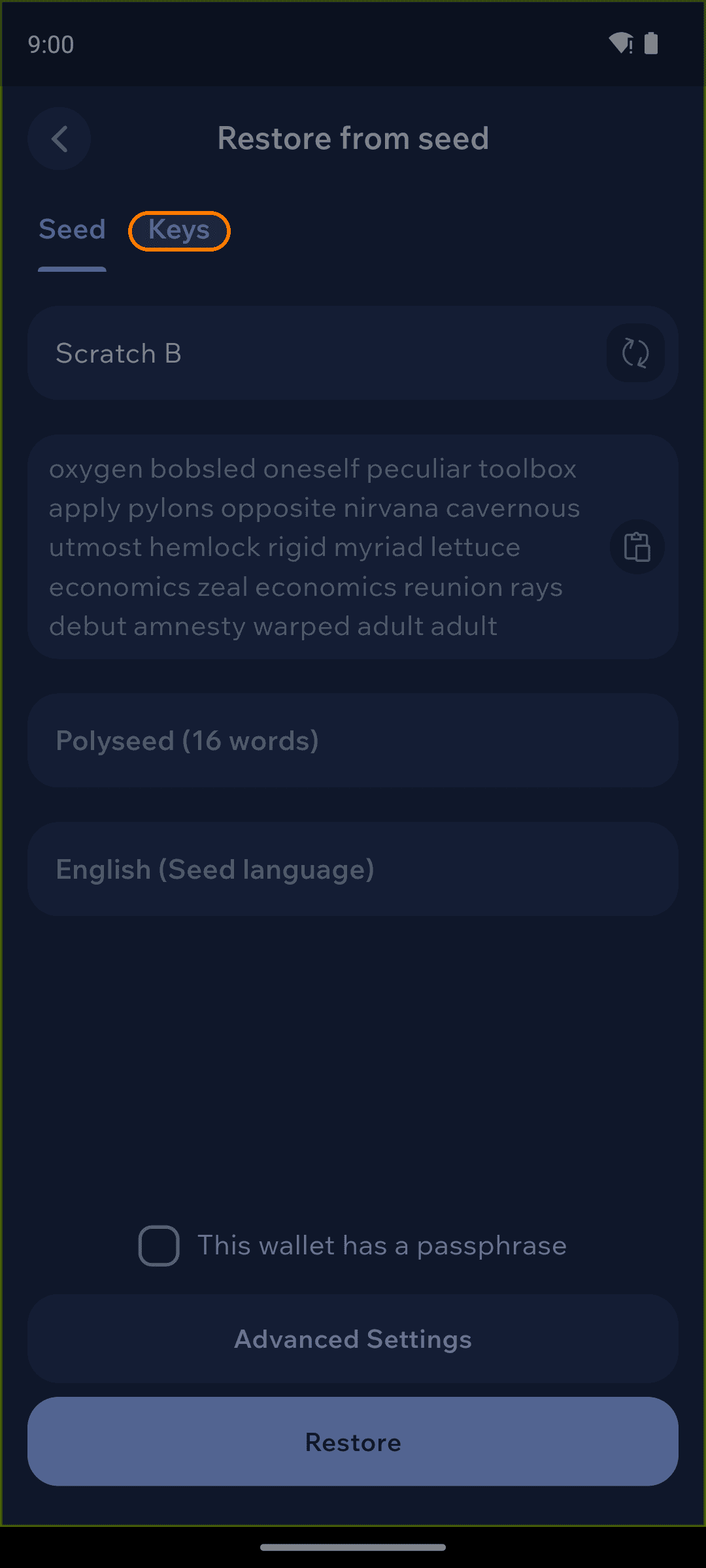
Give the wallet a name, then paste or type in your seed phrase. To restore from your keys instead, tap the Keys tab at the top and enter them there.
Name your wallet and enter your seed phrase
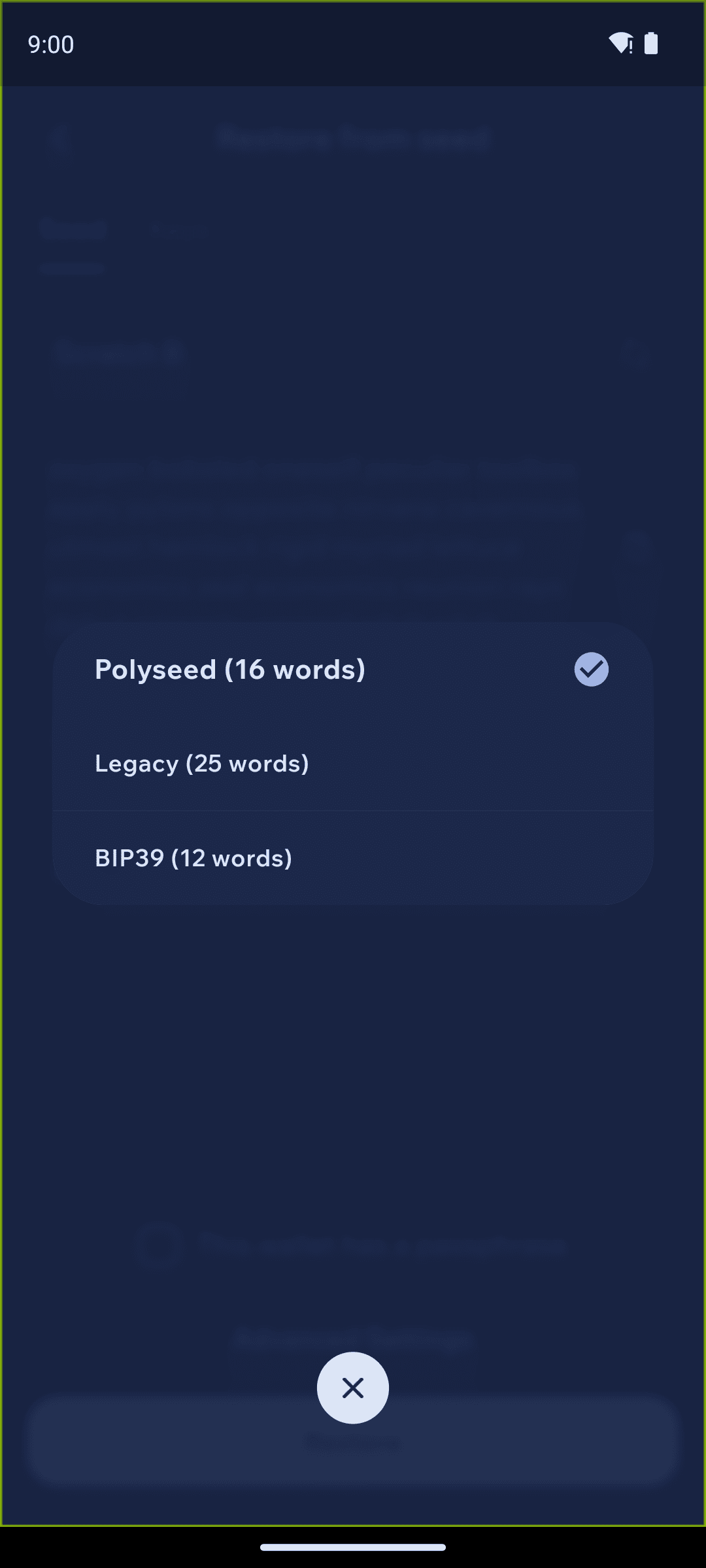
For Monero, make sure the seed type matches your seed. Tap the seed-type selector and choose Polyseed (16 words), Legacy (25 words), or BIP39 (12 words) accordingly.
Select the seed type that matches your seed
Set a restore point
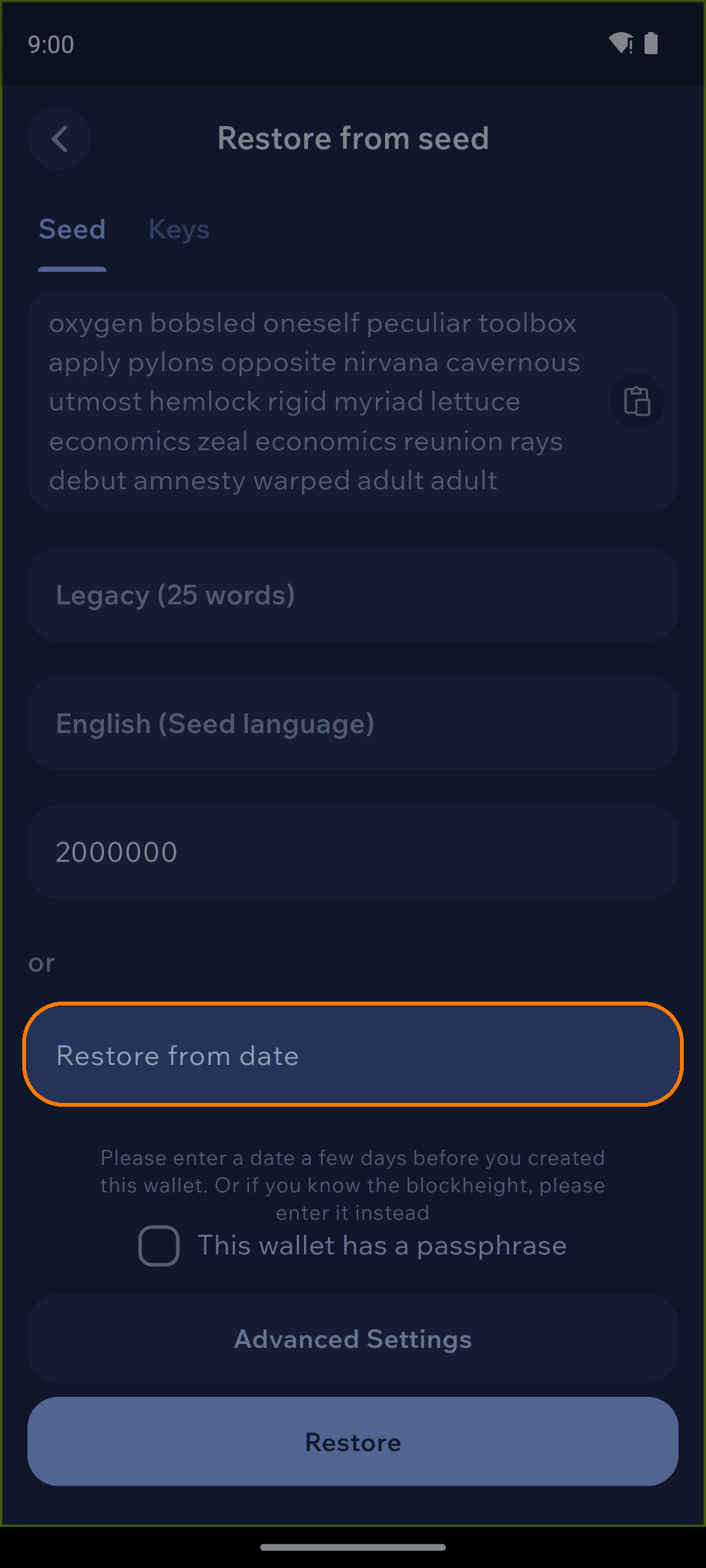
For coins that scan the blockchain (such as Monero), set a restore point so Cake Wallet doesn't have to scan the entire chain. Enter the block height from when you first created the wallet, or tap Restore from date and pick a date.
If you don't know the block height, choose a date a few days before you created the wallet. For example, if you created your wallet in February 2020, use January 31st, 2020.
Enter a restore height or date
The earlier the date or height, the longer the initial sync takes. Picking a point close to when you first used the wallet keeps syncing fast without missing any transactions.
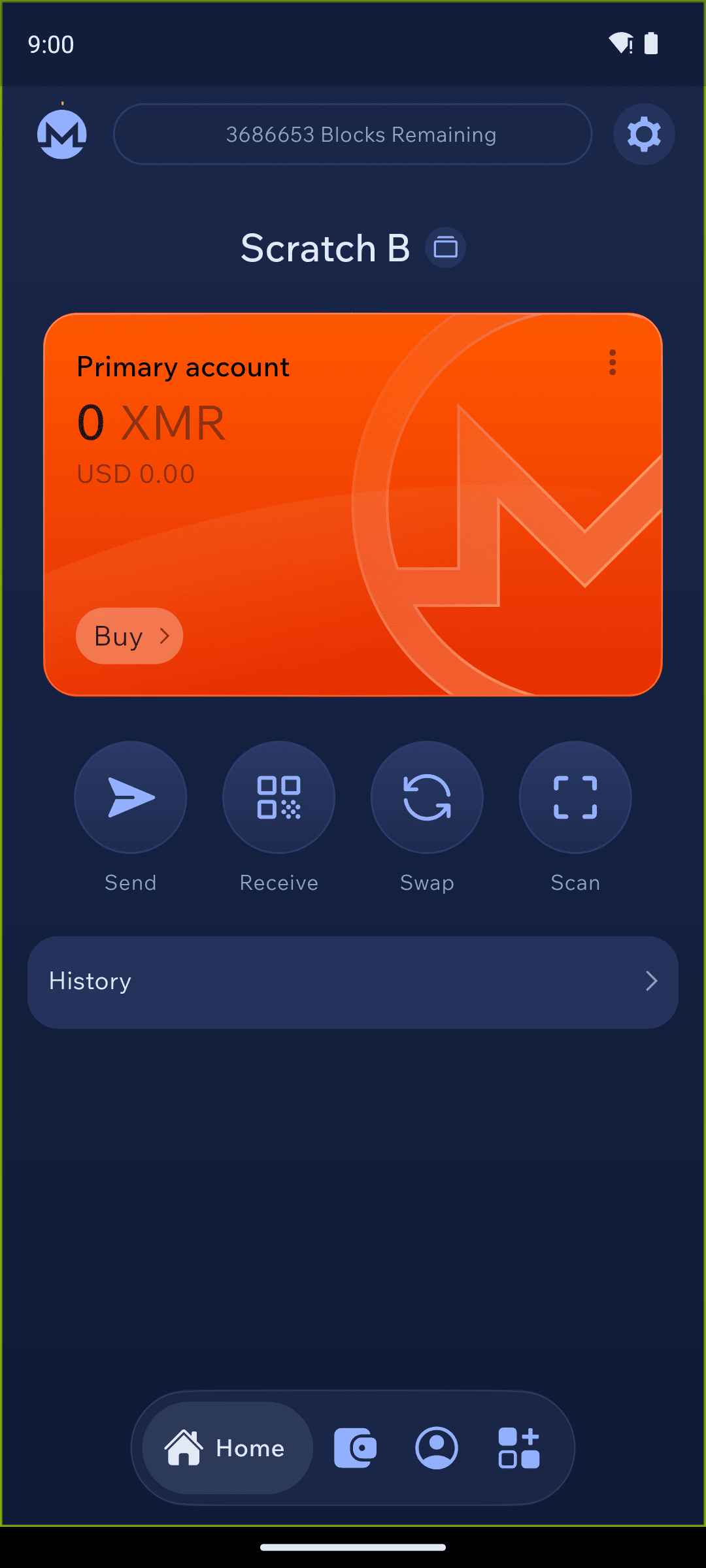
Restore and sync
Tap Restore, then leave your phone awake with Cake Wallet open while it synchronizes. A synchronization status bar appears at the top of the balance screen; once it reads SYNCHRONIZED, your full balance and transaction history will be visible.