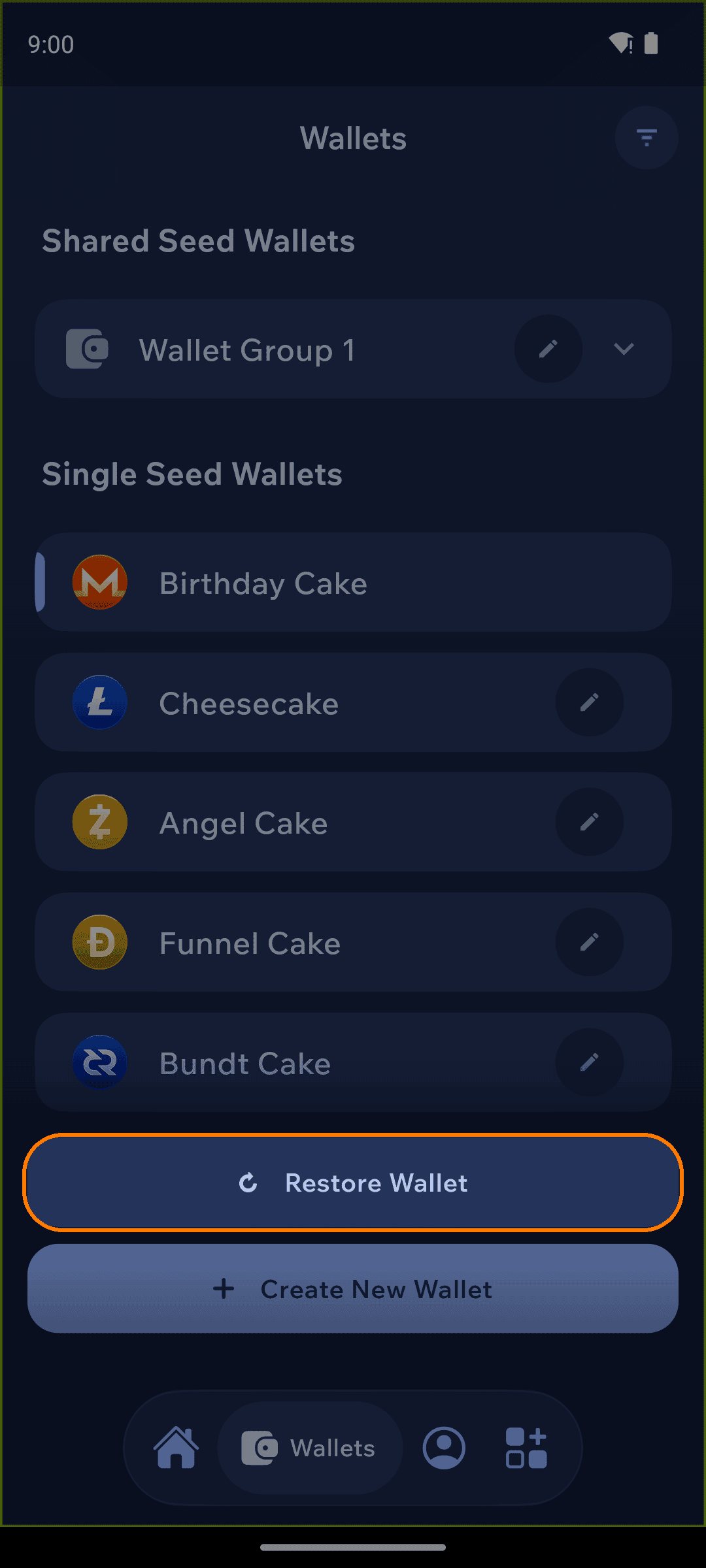
Open the wallets menu from the bottom navigation bar, then tap Restore Wallet near the bottom of the screen.
Restore Wallet
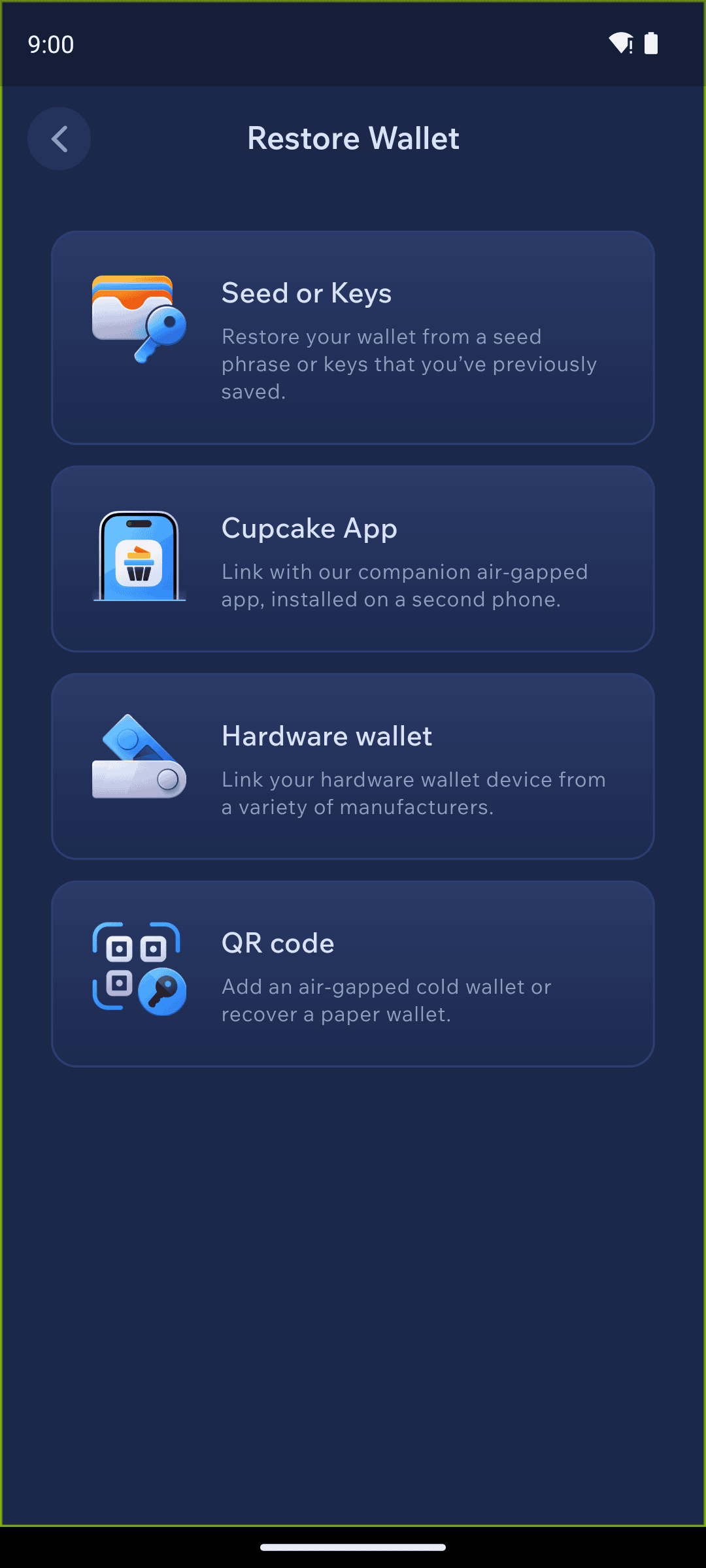
Pick how you'd like to restore, then follow the matching guide:
Seed or keys — restore from a seed phrase or the private keys you saved.
Cupcake — link with our companion air-gapped app installed on a second phone.
Hardware wallet — connect a hardware wallet device from a variety of manufacturers.
QR code — restore an air-gapped cold wallet or recover a paper wallet.
Backup file — restore from a Cake Wallet backup file (available on new installs).
Last updated 5 months ago