For the complete documentation index, see llms.txt. This page is also available as Markdown.
How to find my seed phrase
NEVER share your seeds/keys with anyone! If you do, they can steal your funds. Always save your seeds in a safe place!
You can follow these simple steps to find your seed phrase. This seed phrase can be used to restore your funds in another wallet.
1
Open Cake Wallet
Open Cake Wallet, which has an existing wallet. If you do not have an existing wallet, then create one first.
2
Open Settings
On the home screen, tap the gear icon in the top right corner to open Settings.
3
Tap Seed & Keys
In Settings, tap Seed & Keys.
4
Authenticate
You will be prompted to enter your wallet PIN, password, or biometrics.
5
View your seed and keys
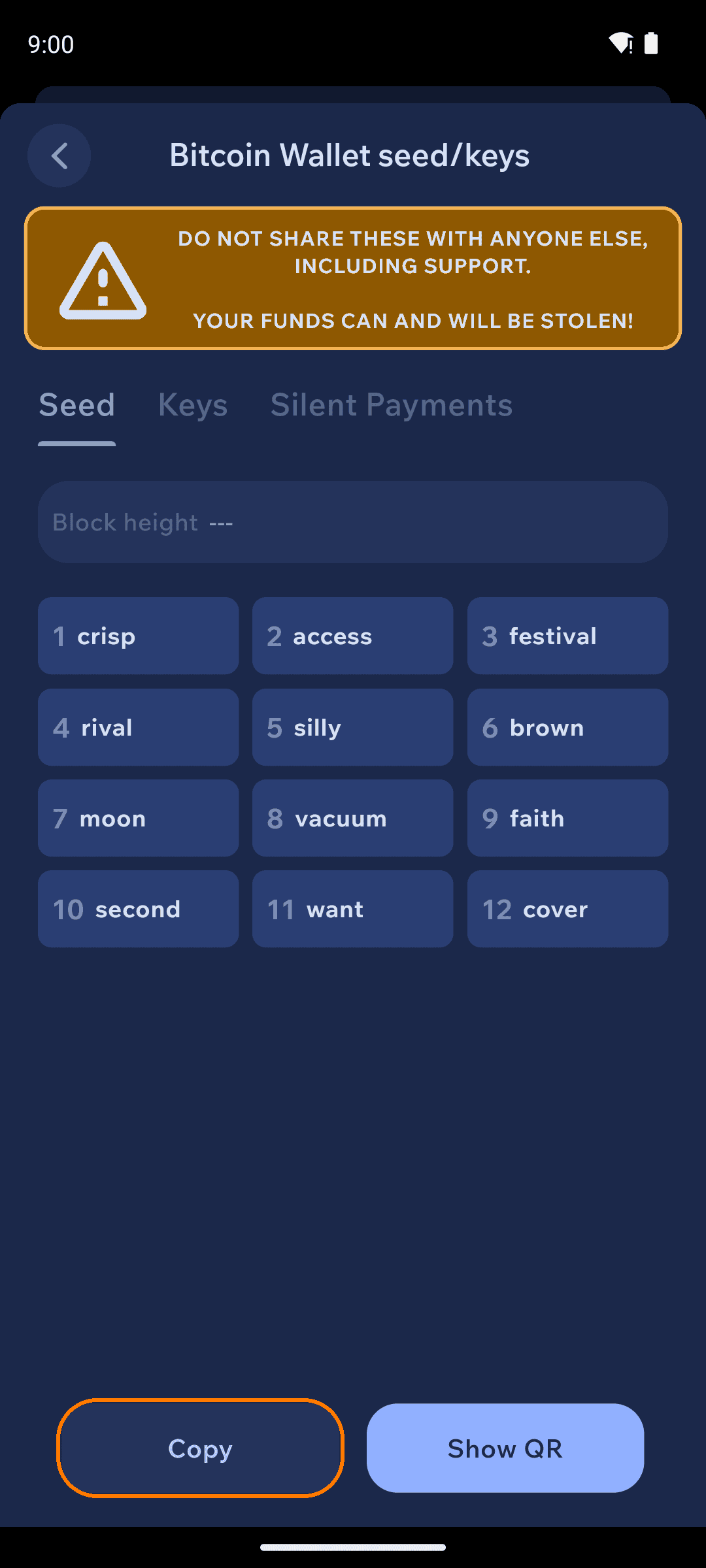
Once you have successfully authenticated, your seed and keys will be displayed. The Seed tab shows your recovery words, each with its position number — use Copy to copy the full phrase or Show QR to display it as a QR code.
Seed & Keys screen showing the numbered recovery words with Copy and Show QR buttons
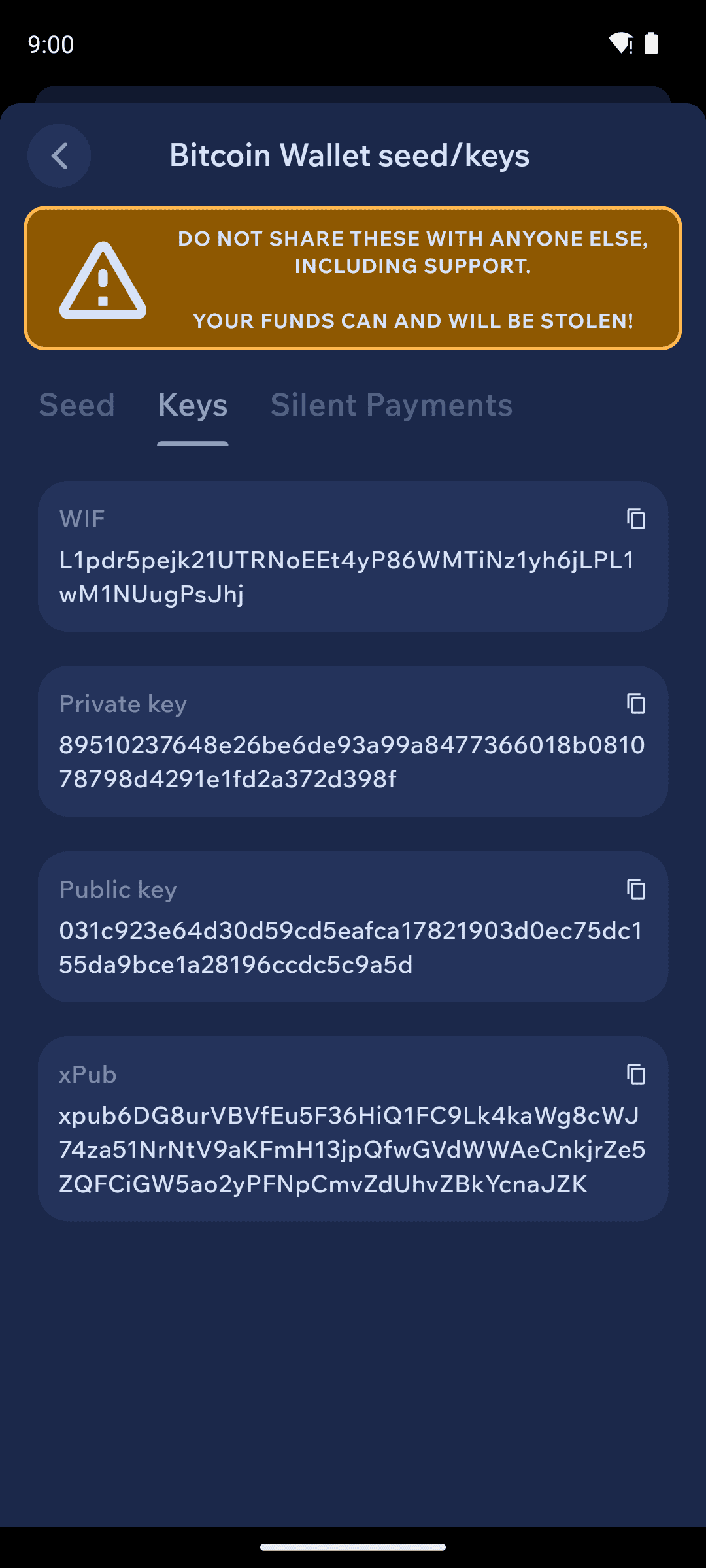
Switch to the Keys tab to view your wallet's keys. The available tabs depend on the wallet's asset type — for example, Bitcoin wallets also include a Silent Payments tab.
Keys tab of the Seed & Keys screen showing the wallet's keys
Your seed phrase can be restored in other compatible wallets, depending on asset type. For example, your Monero seed phrase can be restored in the official Monero GUI. By default, Cake Wallet creates Bitcoin and Litecoin wallets using a BIP39 seed phrase, which can be restored in other BIP39-compatible wallets. Note that Electrum uses its own seed format, so a default Cake Wallet BIP39 seed will not restore directly in Electrum; only wallets you created in Cake Wallet using the Electrum seed type can be restored in Electrum.