

Migrate from MyMonero
MyMonero has shut down. MyMonero sunset its wallet service on January 6, 2026, and named Cake Wallet as its recommended successor. Because the service is offline, you can no longer send funds from the MyMonero app itself — the only way to recover your Monero is to restore your MyMonero seed phrase into Cake Wallet. If you still have your MyMonero seed, migrate as soon as possible using this guide. See the announcement on the Cake Wallet blog for details.
Migrating from MyMonero to Cake Wallet means restoring your existing MyMonero seed phrase directly in Cake. This brings your wallet over — including its full balance and transaction history — onto a wallet whose keys only you hold.
Getting started
Migration takes three steps, all covered in detail below:
We're here to help!
If at any point you get nervous or need help, please don't hesitate to reach out to our team in-app or via support@cakewallet.com, where our incredible support staff are waiting to help ease the migration process for you.
Installing Cake Wallet
Cake Wallet is available on Android, iOS, macOS, and Linux. Windows desktop builds are currently paused while the desktop app is rebuilt.
For the best compatibility and easiest setup we recommend using the mobile version of Cake Wallet to get started, and then explore our desktop apps down the line.
Download Cake Wallet for your platform from the official download page.
Back up your MyMonero seed
To migrate, you'll need your MyMonero 25-word Monero seed phrase. If you already saved it somewhere safe, you can skip ahead to restoring in Cake Wallet. If you can still open the MyMonero app on your device, you can copy it from there:
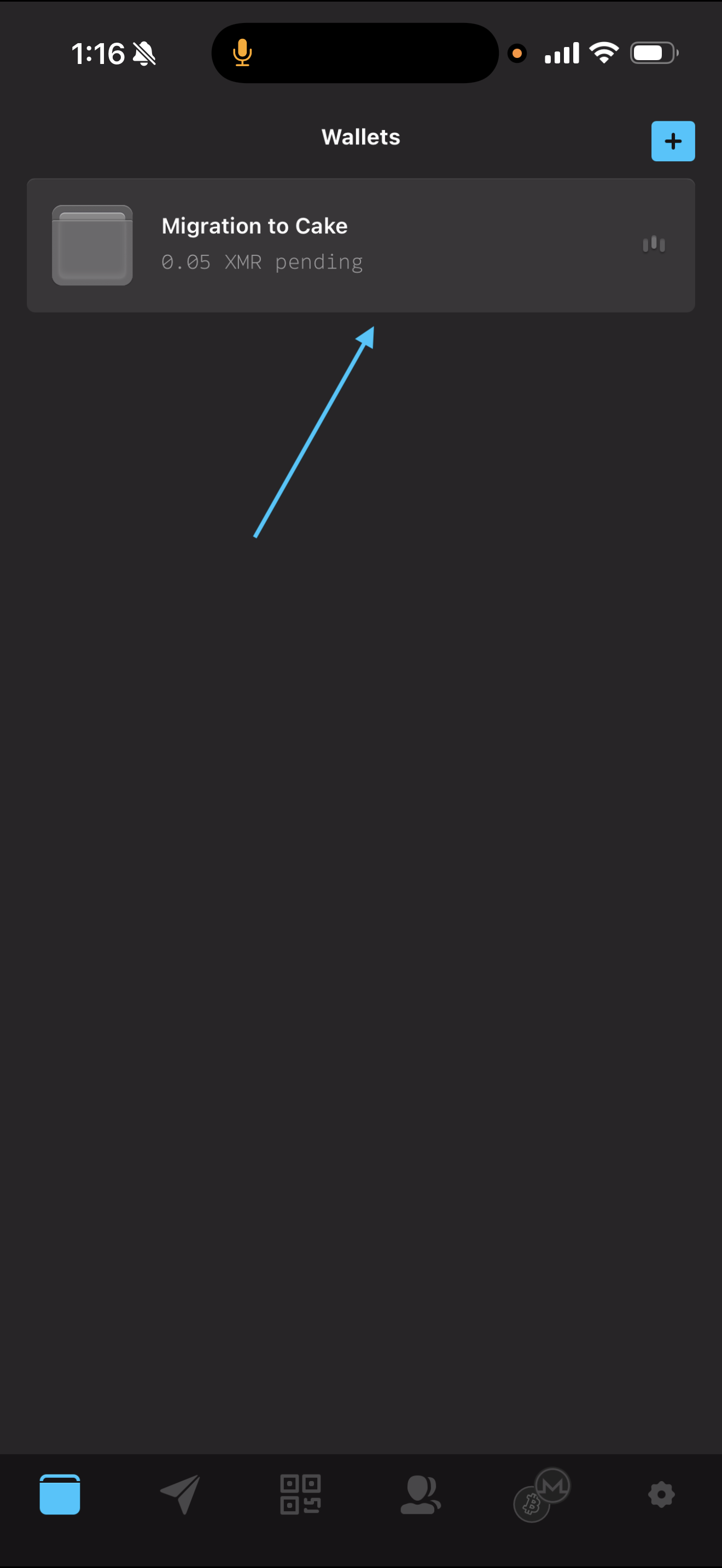
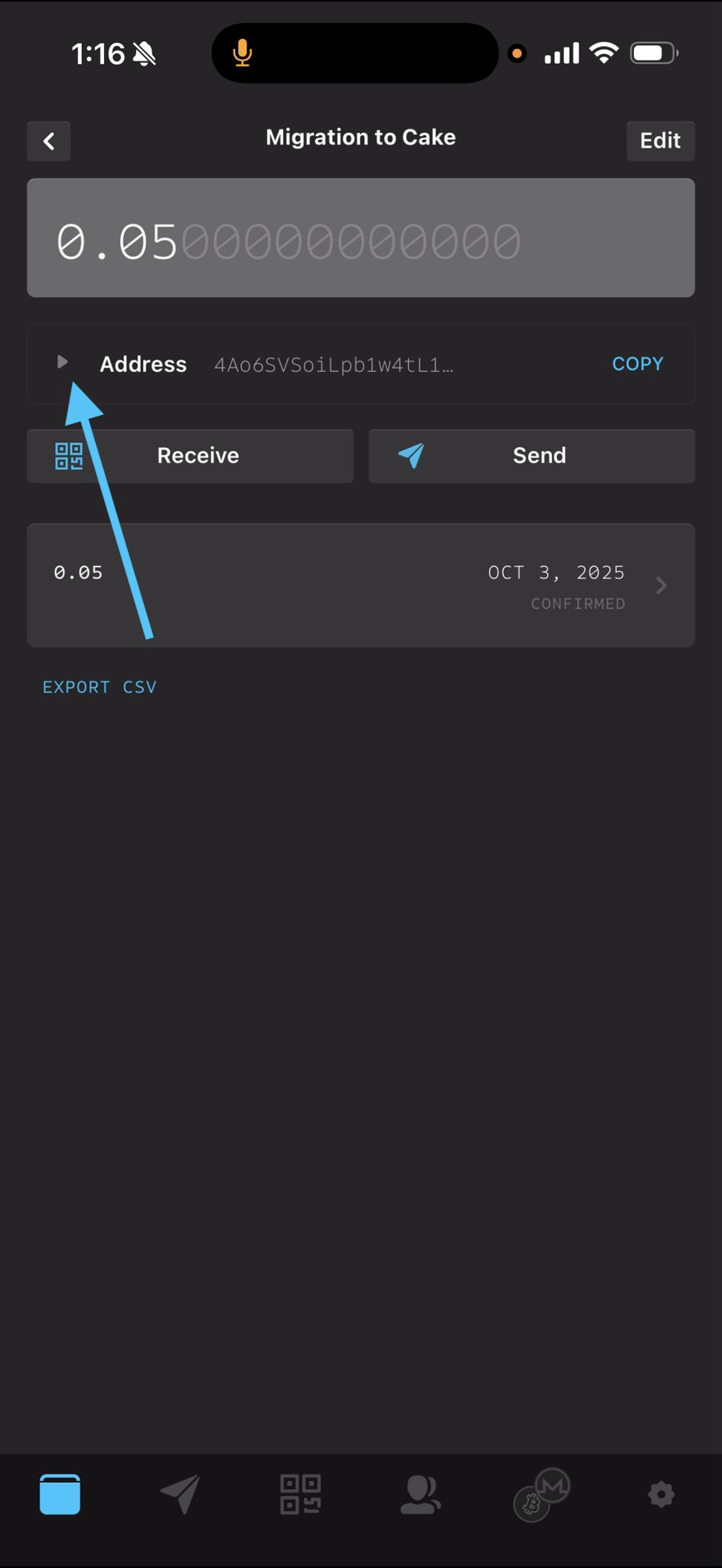
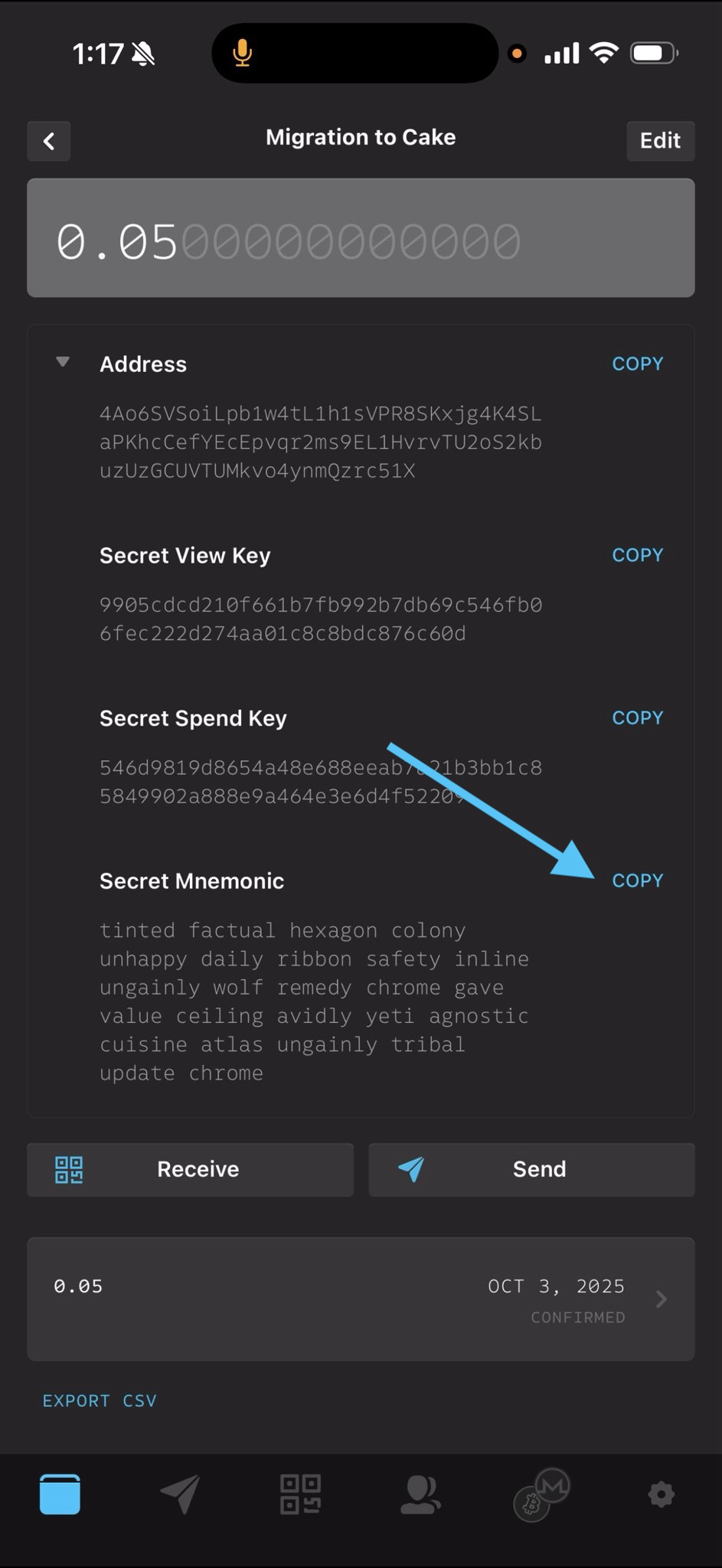
Copy the seed
Either tap the copy button, or write down your 25-word seed phrase (in the box labeled Secret Mnemonic) in a safe place where you can import it into Cake Wallet in the next section. We recommend a few options:
Storing your seed in an end-to-end encrypted password manager like Bitwarden, Proton Pass, or iCloud Keychain
Writing it down and keeping it in a secure place
When you restore in Cake, you'll notice the main difference between MyMonero and Cake Wallet. MyMonero relied on sending a view key to a remote server — this forgoes the need to sync your wallet, but at the cost of your privacy. Cake Wallet instead does all wallet sync on-device for maximum privacy. This sync process can take some time when restoring older wallets, but can be drastically improved by performing the initial sync on a good network or by enabling background sync on Android.
Restore your wallet in Cake Wallet
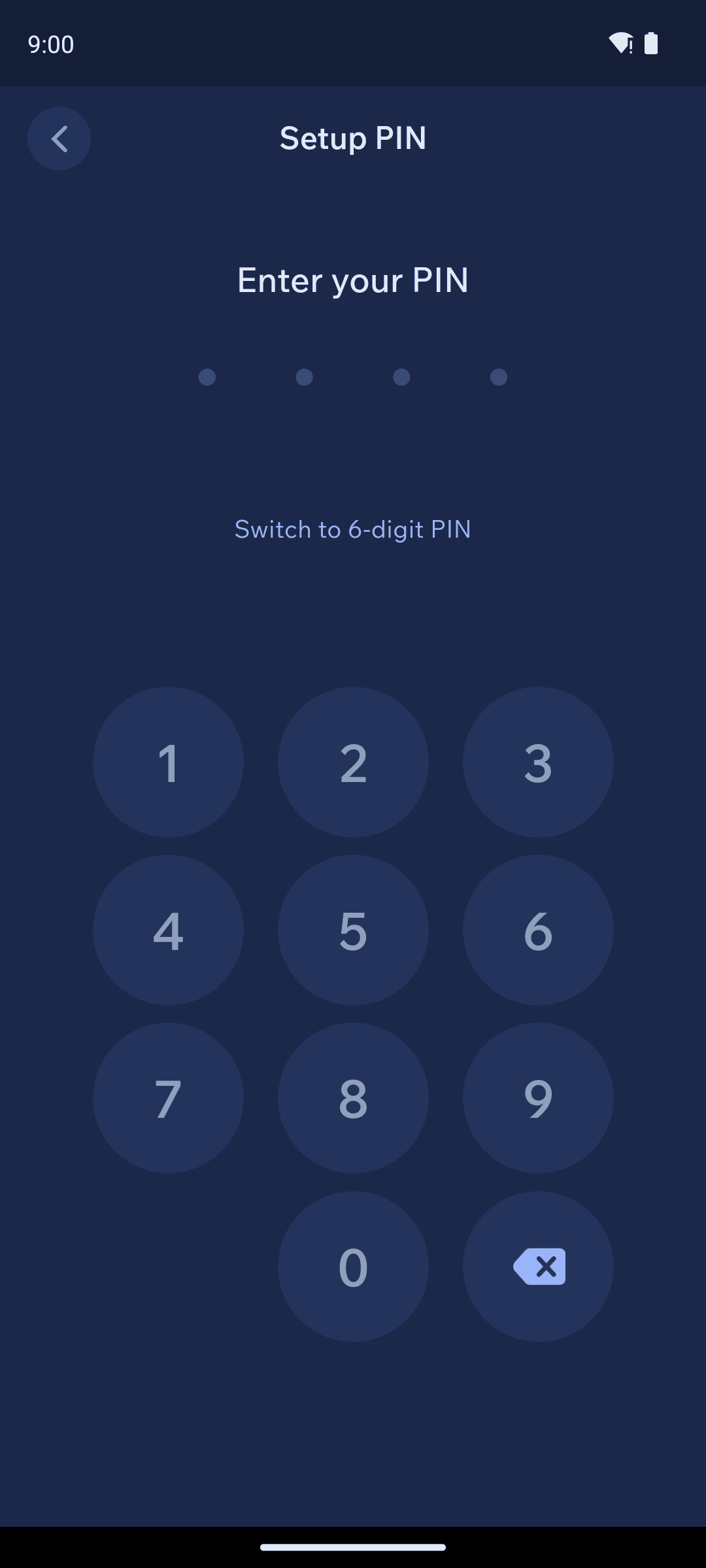
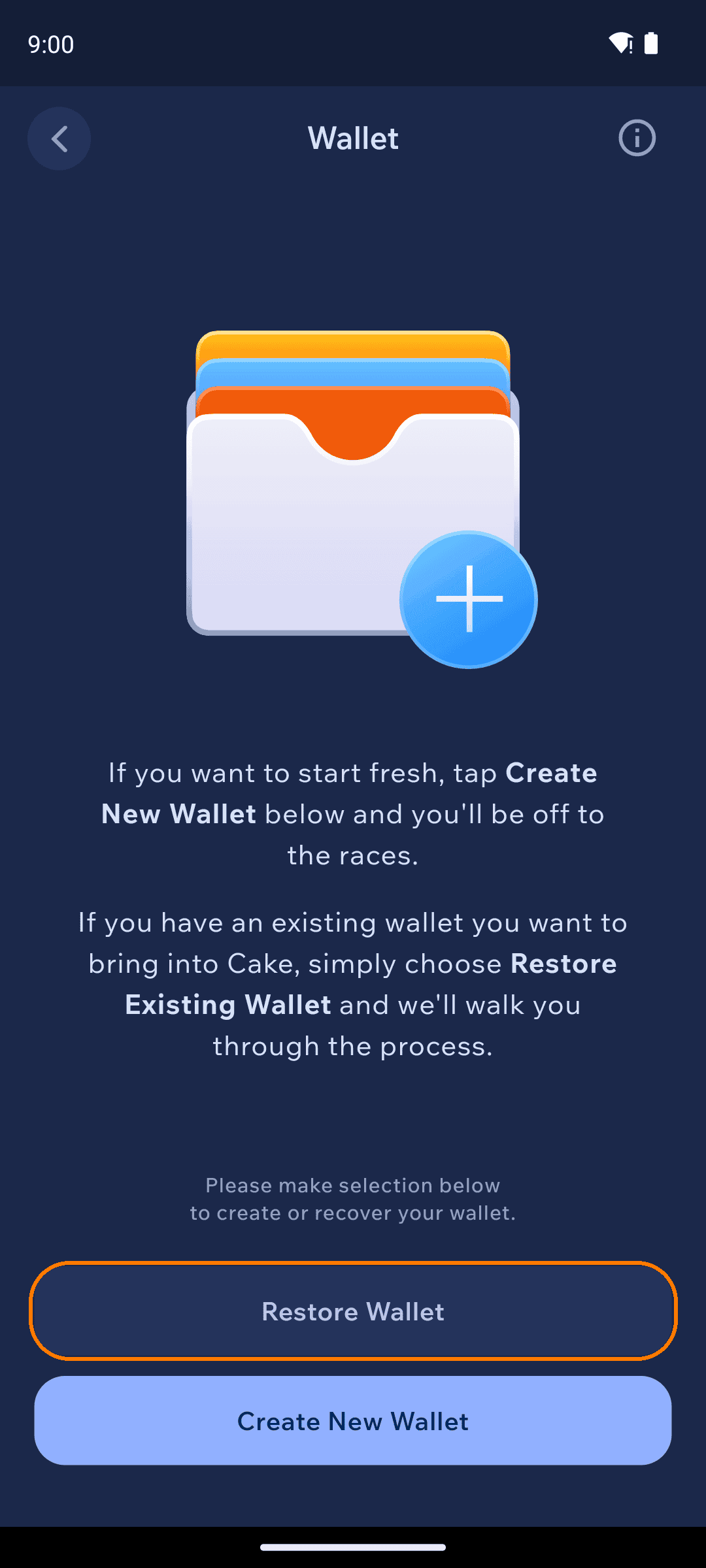
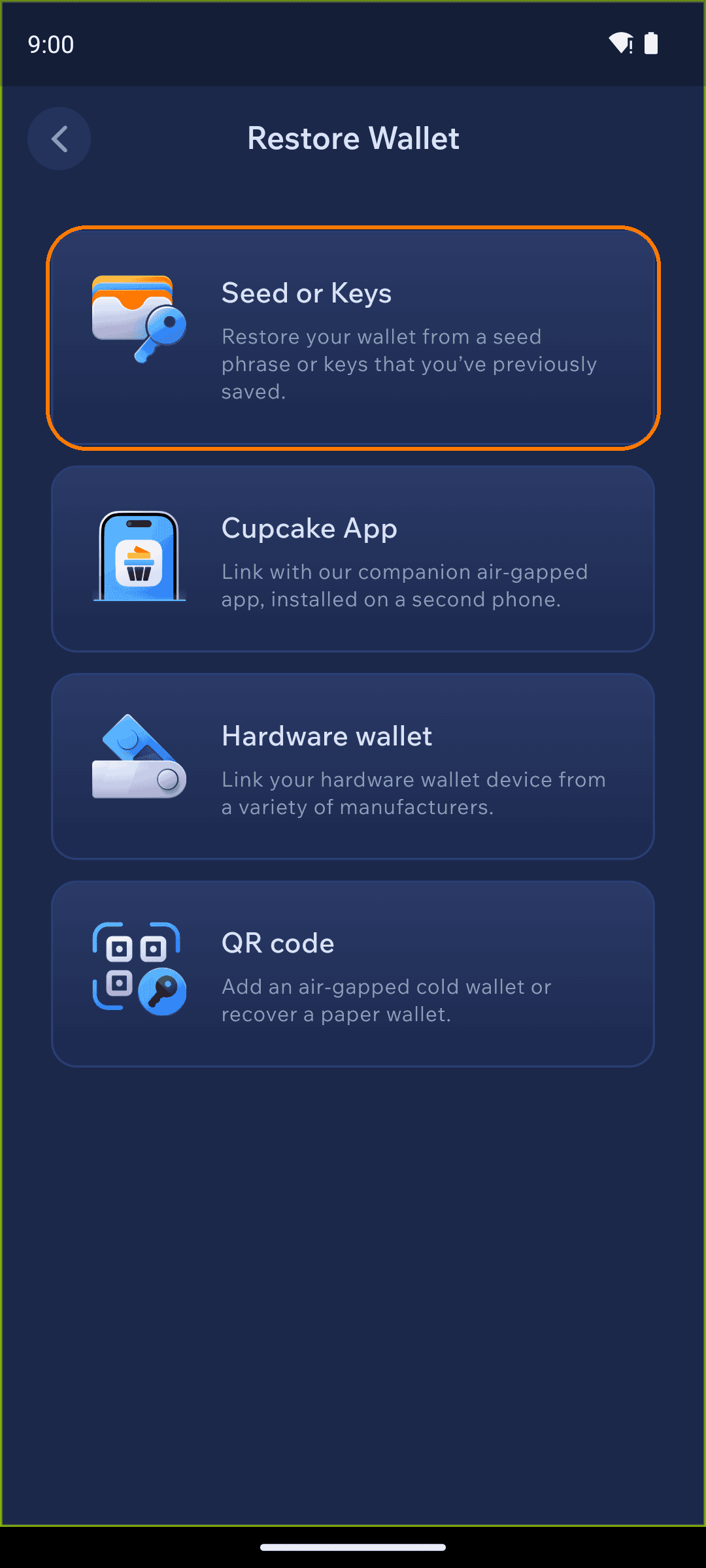
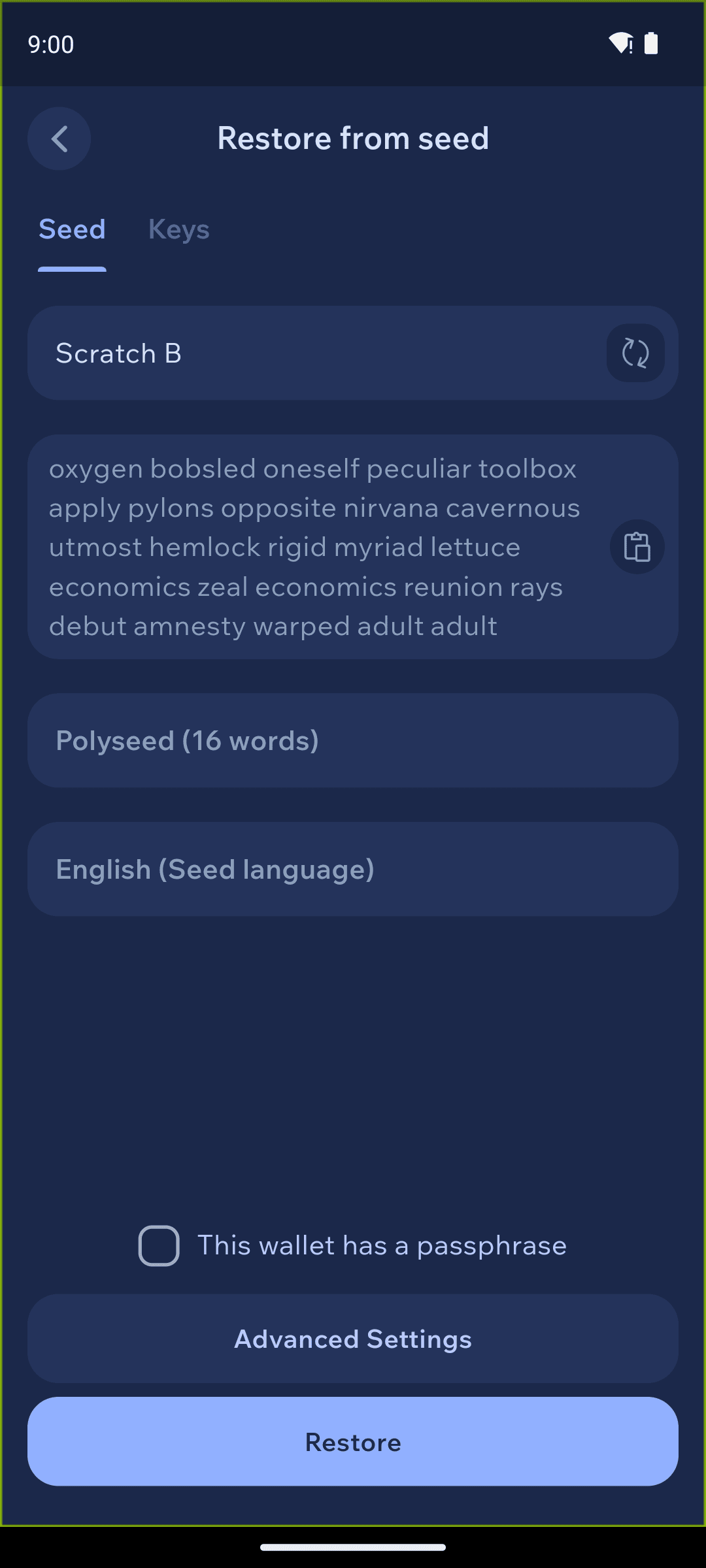
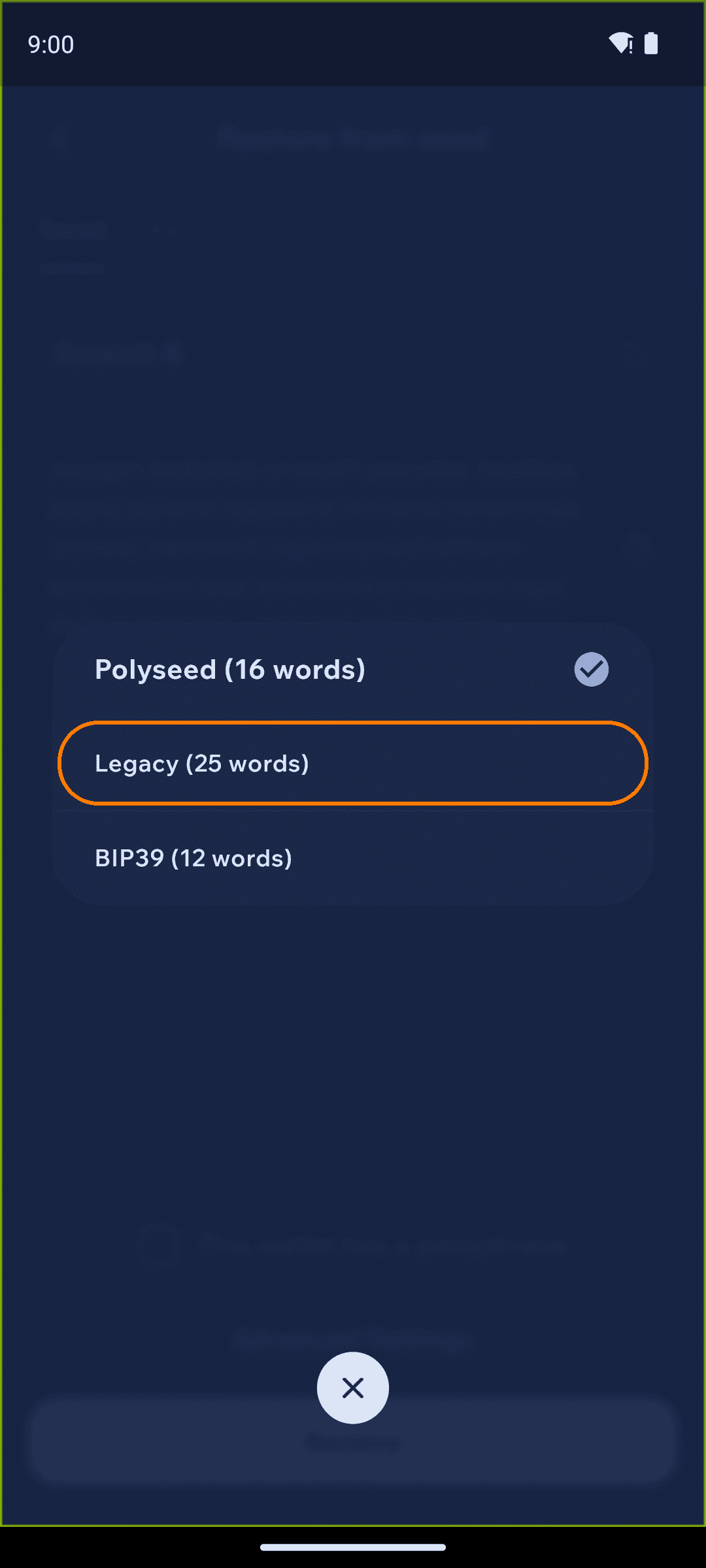
Set the restore point
Below the seed phrase, set a restore point so Cake doesn't have to scan the entire blockchain. If you know roughly when you first created your MyMonero wallet, tap Restore from date and choose that date; if you happen to know the exact blockchain height, you can enter it in the height field instead.
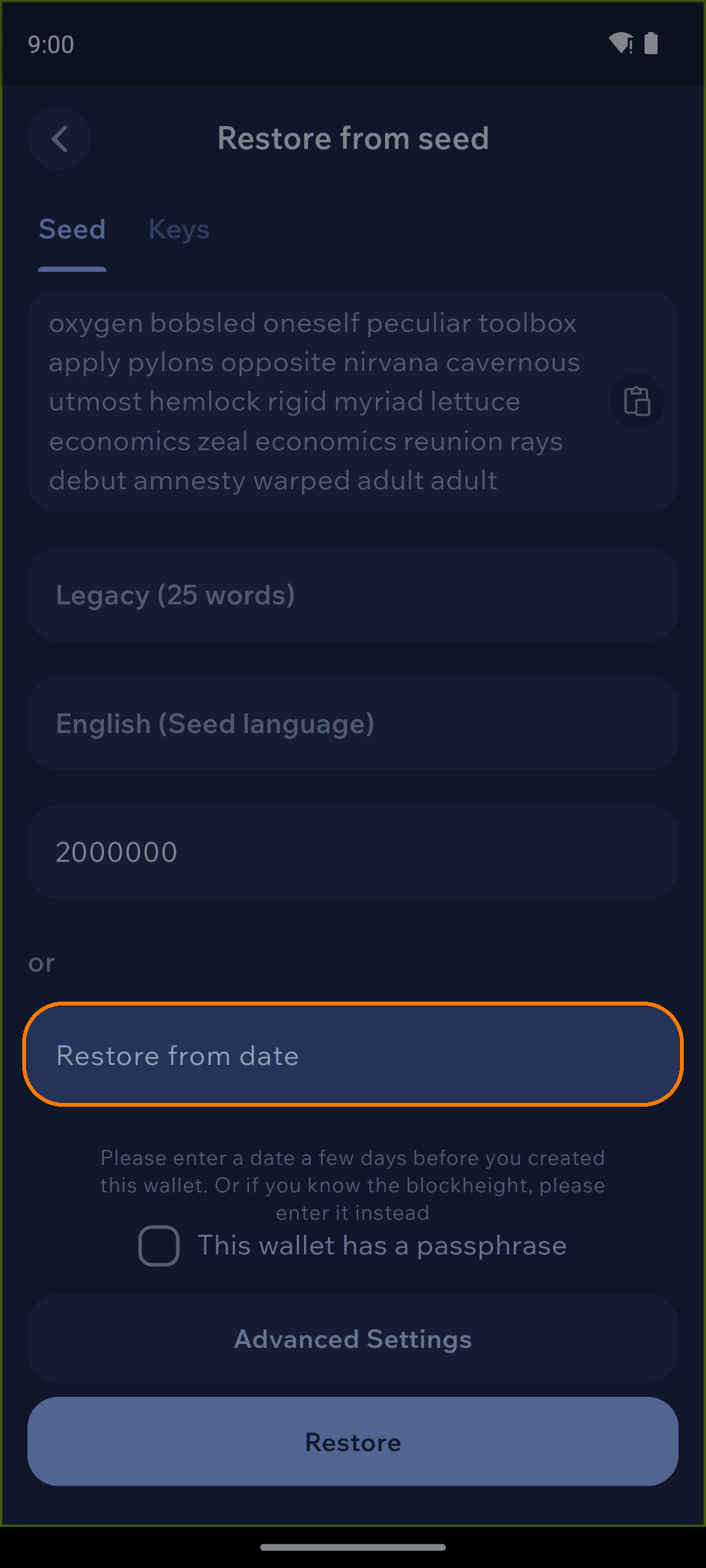
Note: The earlier the date or height, the longer the initial sync will take. Picking a date close to when you actually started using MyMonero keeps syncing fast without missing any transactions.
Restore and sync
Tap Restore. You'll see a synchronization status bar at the top of the balance screen as Cake Wallet checks the Monero blockchain for your wallet history and balance.
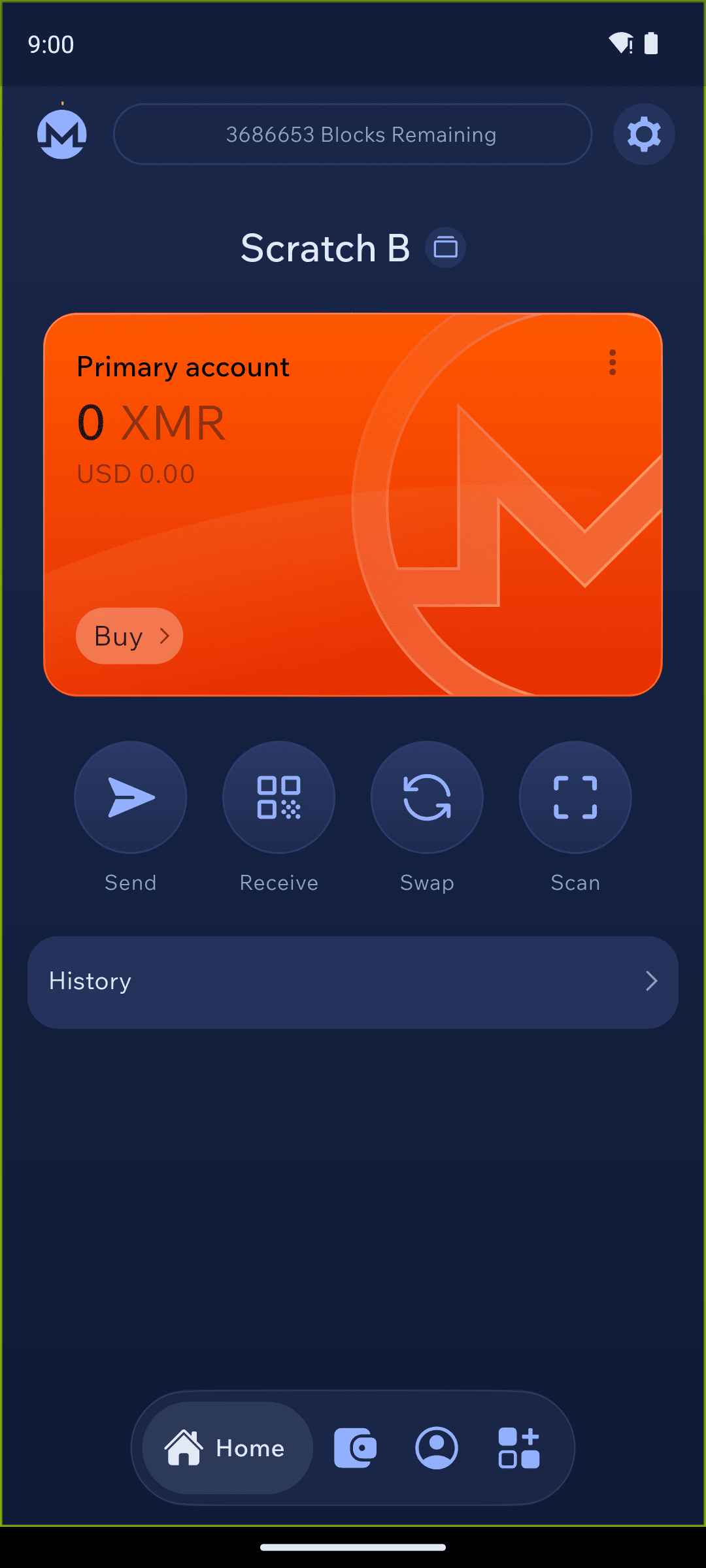
When Cake Wallet finishes synchronizing and the top bar says SYNCHRONIZED, you'll see your full balance and transaction history.
Using Cake Wallet
Cake Wallet is the user-friendly, multi-asset cryptocurrency wallet that prioritizes financial privacy and autonomy. With seamless swaps, strong privacy tools, and a focus on accessibility, Cake Wallet empowers you to manage, swap, and spend your digital assets securely and confidently. Cake Wallet is also 100% open-source, ensuring that every bit of code is able to be verified and independently reviewed, keeping your crypto safer than ever from attacks or mistakes.
Cake Wallet also enables you to easily swap between cryptocurrencies without leaving the app, buy and sell directly from fiat, and even use your crypto to buy every day items and treat yourself with Cake Pay. It's your freedom money, and Cake helps free you up to use it in more ways than ever.
Last updated