

Solana
Official Website: solana.com
Solana (SOL) is a high-performance blockchain platform designed to host decentralized applications (dApps) and facilitate crypto transactions with an emphasis on speed and scalability. Launched in 2020 by Solana Labs, it uses a hybrid consensus model combining Proof of Stake (PoS) with its innovative Proof of History (PoH), enabling it to process thousands of transactions per second at a significantly lower cost than many competitors. This architecture aims to solve the blockchain trilemma of achieving decentralization, security, and scalability simultaneously, making Solana a competitive choice for DeFi, NFTs, and other blockchain-based projects.
Addresses
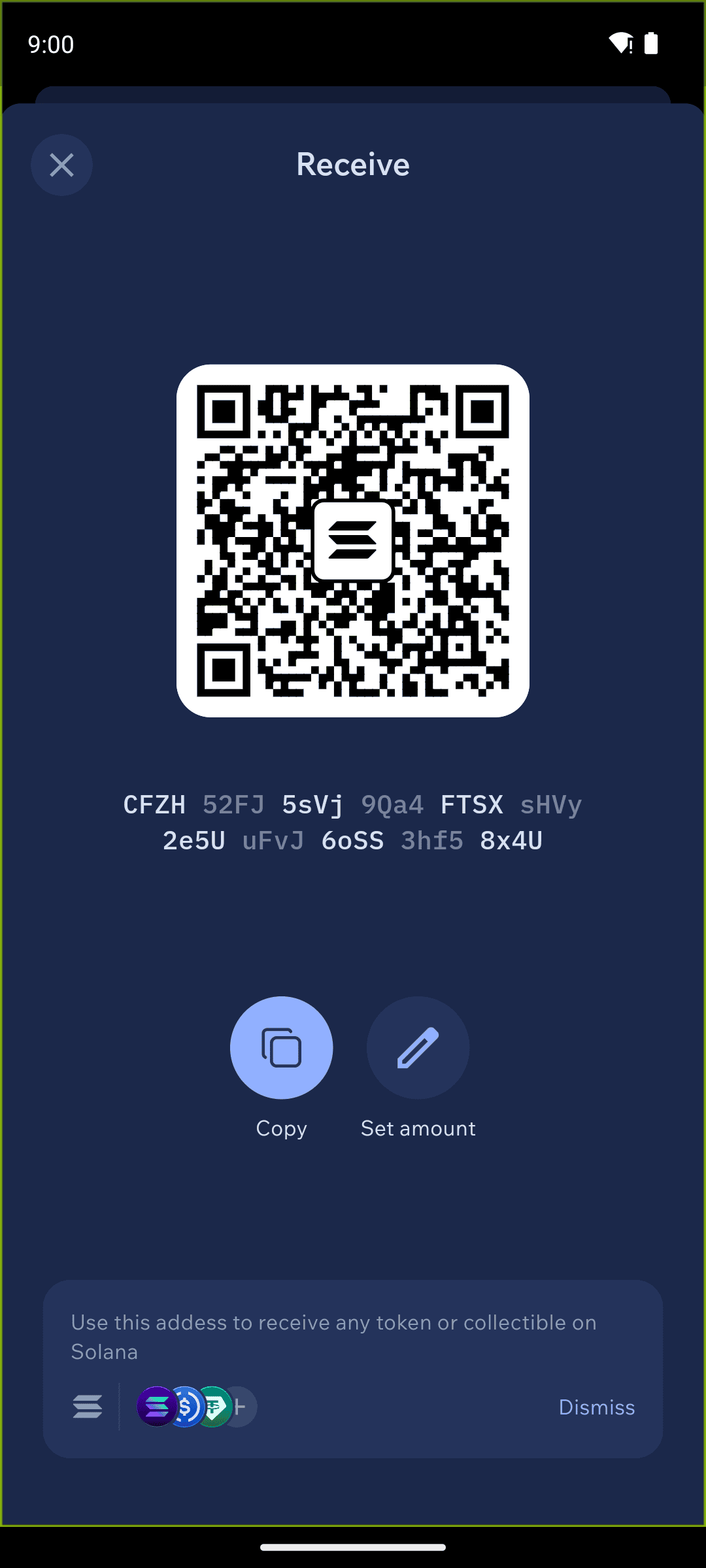
In Cake Wallet's Solana wallet, there is only one address per wallet, which is standard for the Solana ecosystem. Keep in mind that this will have lesser privacy compared to some other assets, where new addresses are automatically generated.
Seed Format
Cake Wallet uses a 12-word BIP39 seed for Solana wallets by default. Under Advanced Settings on the wallet creation screen you can choose a 24-word BIP39 seed instead, and you can add a seed passphrase. When creating or restoring a wallet, you can use the seed phrase or the private key. The wallet follows the standard Solana derivation path:
m/44'/501'/0'/0'
Fees
Transaction fees are a necessary part of sending SOL or SPL tokens.
Solana (SOL) is required to pay the network fee for any transaction from a Solana wallet. This also applies to sending SPL tokens — for example, to send USDT you need a small amount of SOL to cover the fee, and the recipient still receives the full amount of USDT.
Solana fees are very low. Cake Wallet sets an appropriate fee automatically, so there is no Slow/Medium/Fast fee selector for Solana transactions.
A Fees row does still appear under Advanced Settings on the send screen, showing the estimated fee. Tapping that row does nothing on Solana — there is no fee picker to open. This is expected, not a bug.
Tokens
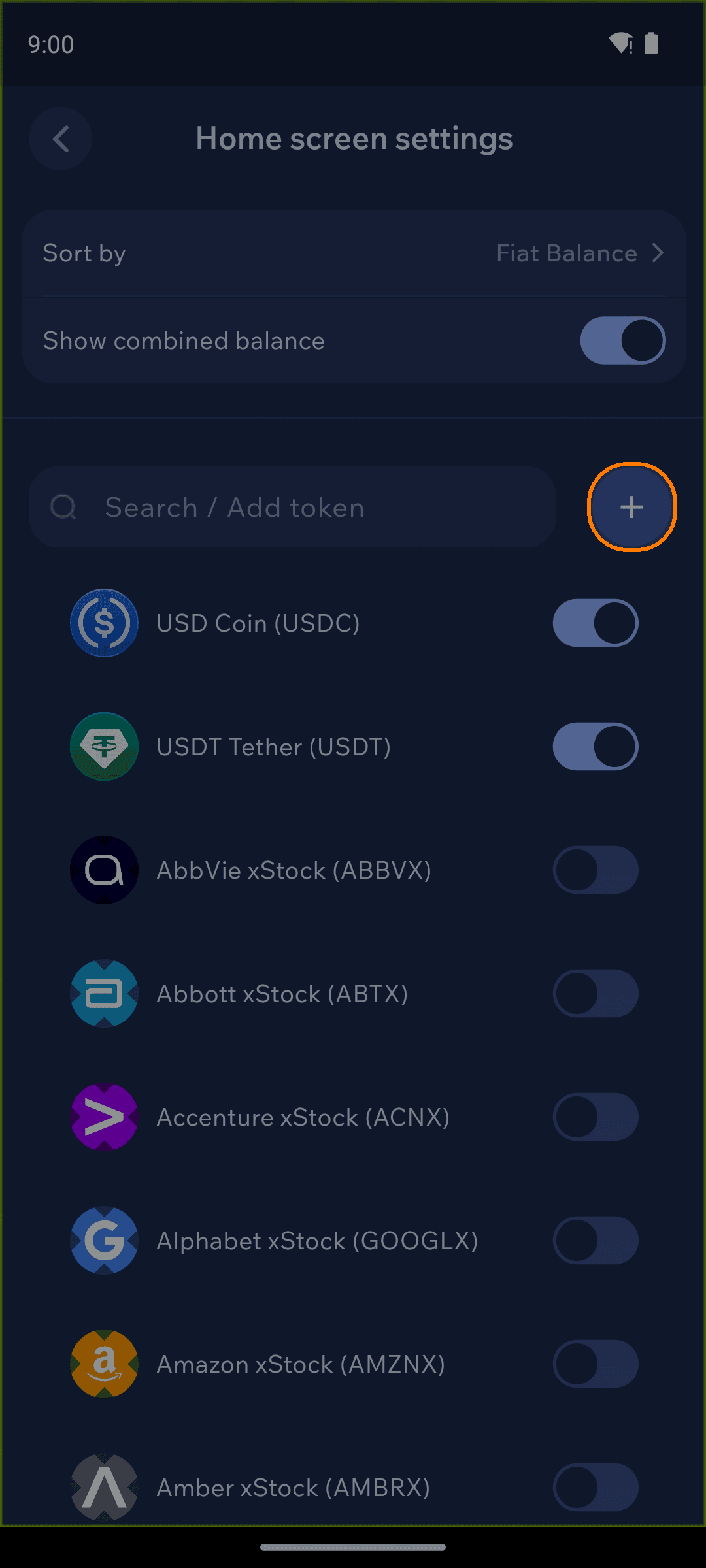
Cake Wallet's Solana wallet can store SPL tokens (Solana's token standard) in addition to SOL. Exactly two SPL tokens are enabled by default: USDC and USDT.
Cake includes a set of common tokens in the settings as well as those already pinned to the home screen. To show any of these, open the Assets tab on your home screen, tap the Tokens button, and enable them.
NFTs are not currently supported on Solana; expanded support is planned for the future.
Adding a new token
You can add a new SPL token from the same Tokens screen: search for your desired token, then tap to enable it.
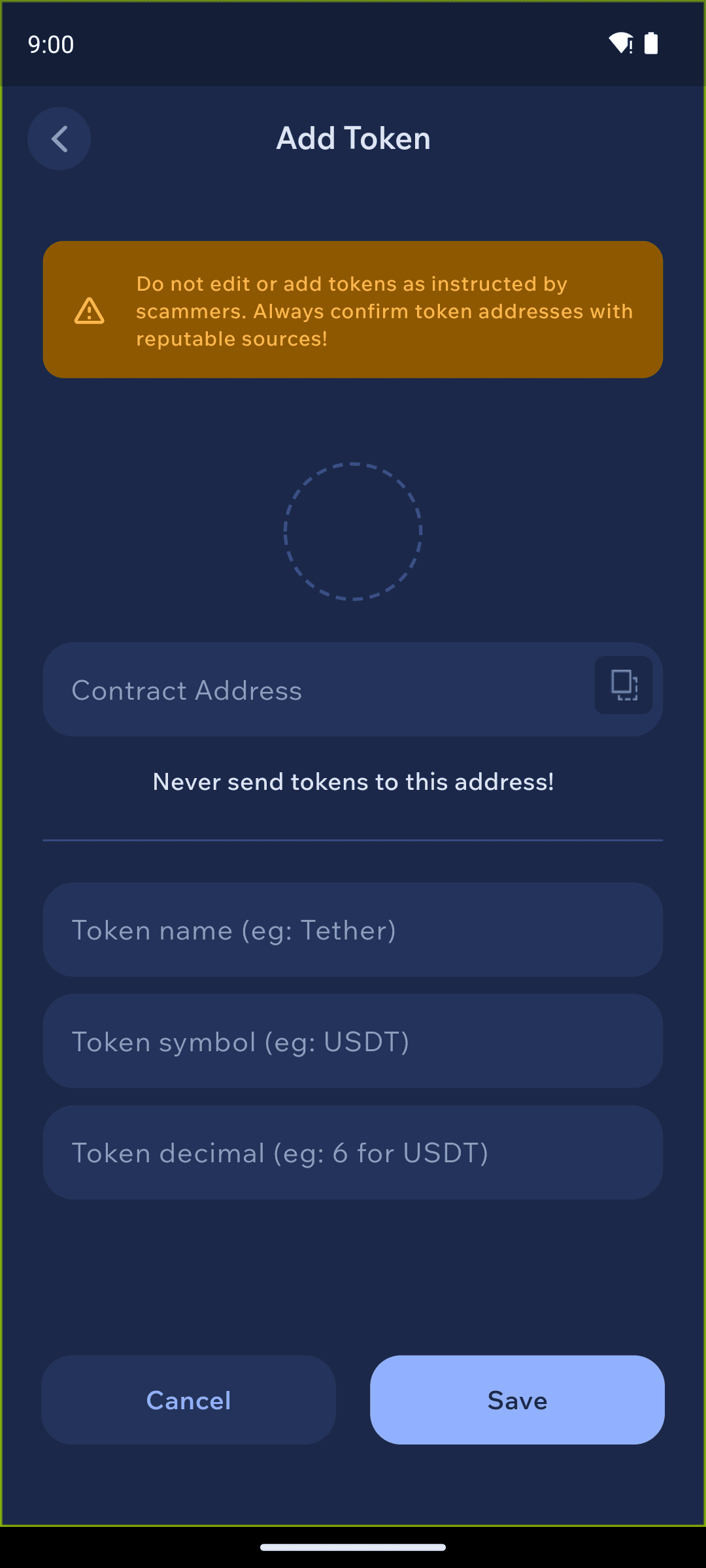
If the token does not appear, then you can add the token by its mint address (the token's contract address on Solana). Paste the address of the custom token you wish to add, then click the + button.
Transaction history
Solana has no separate history-API toggle under Settings → Connections. The EVM chains (Etherscan, PolygonScan, BaseScan, ArbiScan, BSCScan) and Tron (TronGrid) each have one; Solana does not.
Last updated