

Tron
Official Website: tron.network
Tron (TRX) is a blockchain-based digital platform aimed at decentralizing the entertainment industry by allowing content creators to publish, store, and own data in a decentralized ecosystem. Founded by Justin Sun in 2017, Tron leverages its own cryptocurrency, TRX, for transactions within its ecosystem. The platform seeks to empower creators by cutting out middlemen, ensuring fair distribution of earnings through smart contracts, and providing high scalability and throughput for content sharing and digital asset transfers.
Addresses
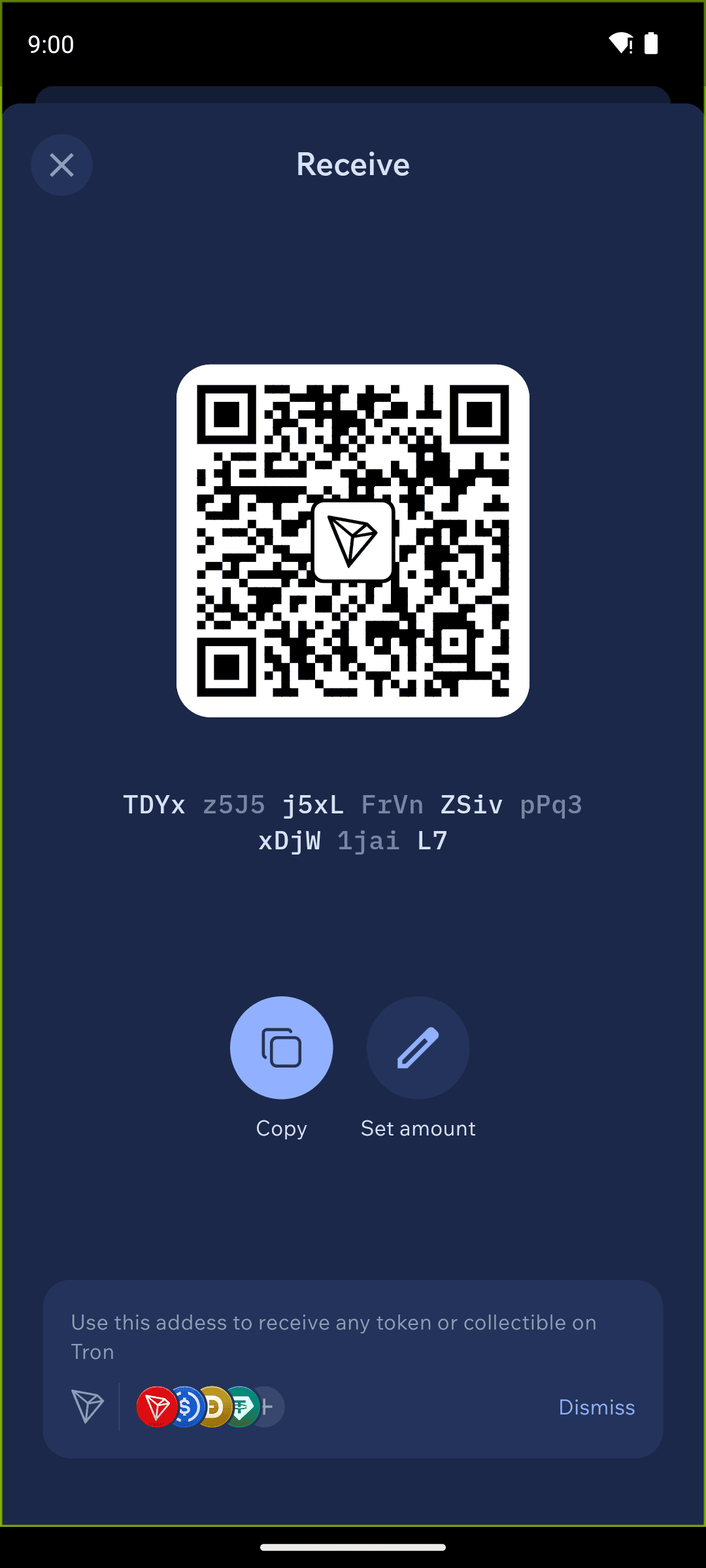
In Cake Wallet's Tron wallet, there is only one address per wallet, which is standard for the Tron ecosystem. Keep in mind that this will have lesser privacy compared to some other assets, where new addresses are automatically generated.
Your Tron address will start with T followed by a series of alphanumeric characters.
Seed Format
A 12-word BIP39 seed is generated for Tron wallets by default. Under Advanced Settings on the wallet creation screen you can choose a 24-word BIP39 seed instead, and you can add a seed passphrase. When creating or restoring a wallet, you can use the seed phrase or the private key.
Fees
Tron handles fees differently from most other networks. Every transaction consumes network resources called bandwidth and energy. If your account doesn't hold enough of these resources (most wallets don't), the network automatically burns a small amount of TRX to cover them instead.
In practice this means:
You always need some TRX in your wallet to pay fees — even when you're only sending TRC-20 tokens like USDT.
Sending TRC-20 tokens consumes much more energy than sending TRX itself, so token transfers usually cost noticeably more than plain TRX transfers.
Sending tokens to an address that has never been used before costs extra, because the network charges for activating a new account.
If a token transfer fails or won't send, the most common cause is not having enough TRX to cover the fee. Top up a small amount of TRX and try again.
Because the network sets the cost, Cake Wallet has no Slow / Medium / Fast fee selector for Tron.
A Fees row does still appear under Advanced Settings on the send screen, showing the estimated fee. Tapping that row does nothing on Tron — there is no fee picker to open. This is expected, not a bug.
Tokens
Cake Wallet's Tron wallet can store TRC-20 tokens (Tron's token standard) in addition to TRX. Some common tokens such as USDT, USDC, DOGE, and WBTC are displayed by default. To show other tokens, open the Assets tab on your home screen, tap the Tokens button, and enable them.
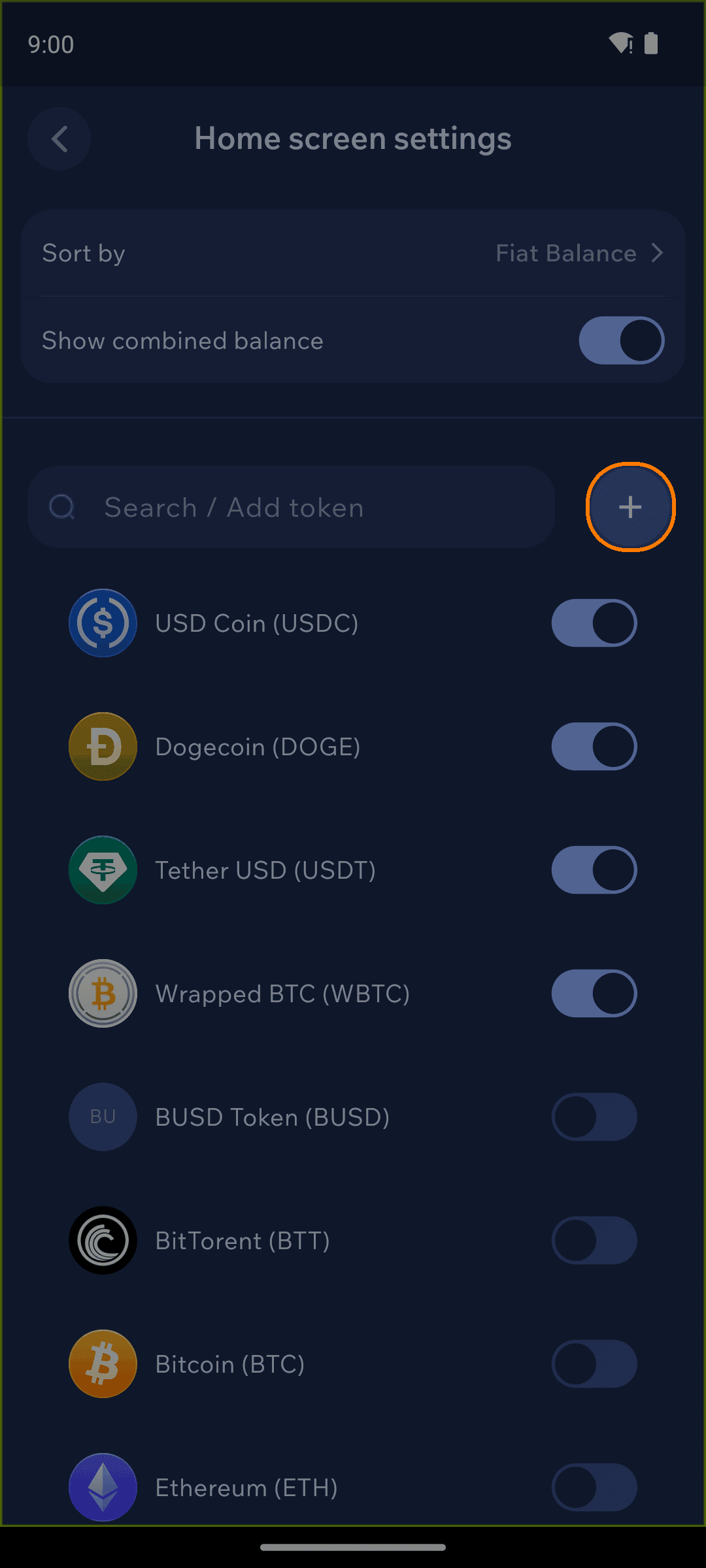
Other token types, as well as NFTs, are not currently supported; expanded support is planned for the future.
Adding a new token
You can add a new TRC-20 token from the same Tokens screen: search for your desired token, then tap to enable it.
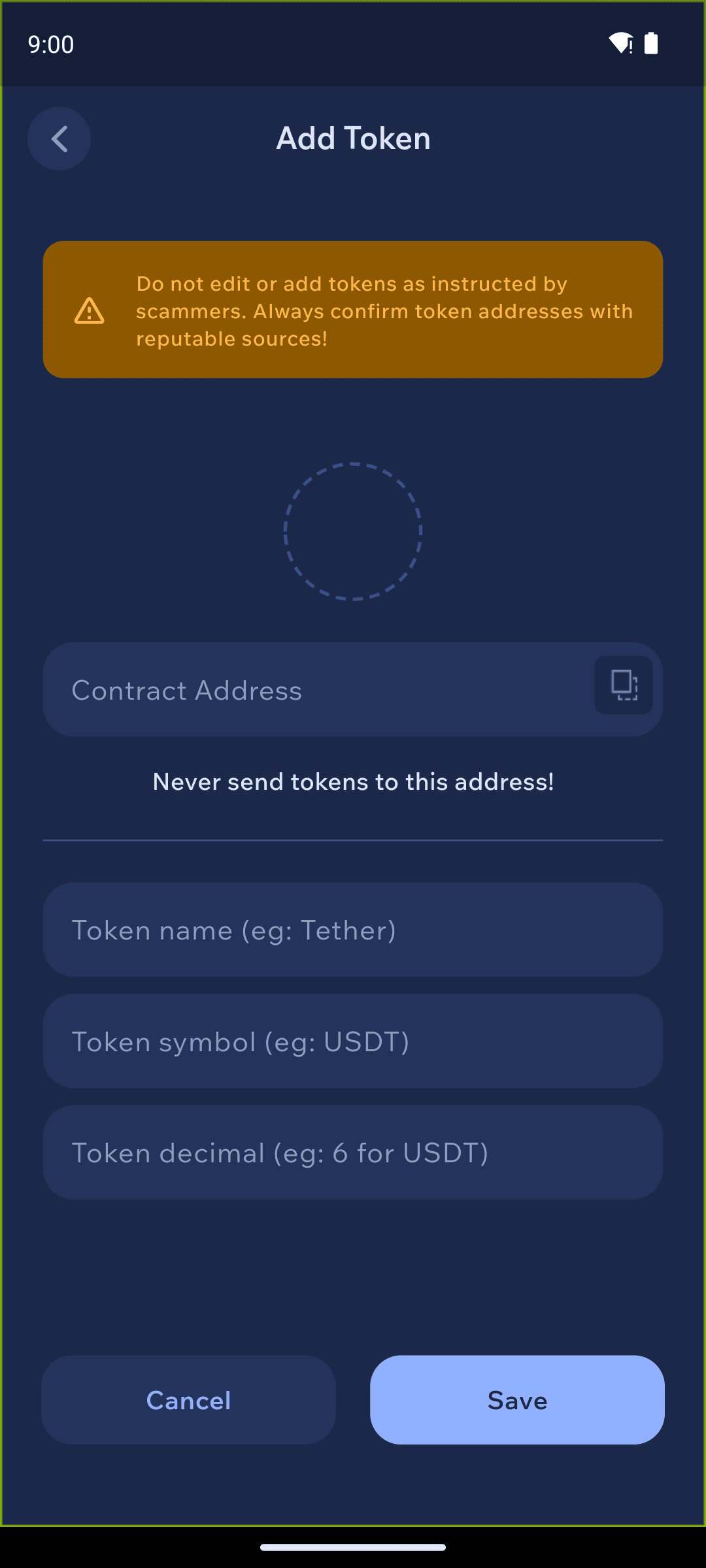
If the token does not appear, then you can add the token by contract address. Paste the address of the custom token you wish to add, then click the + button.
Transaction history
Transaction history is populated using the TronGrid API. You can enable or disable this API lookup with the TronGrid history toggle under Settings → Connections. Tron is the only non-EVM chain in Cake Wallet with a history-API toggle of its own.