For the complete documentation index, see llms.txt. This page is also available as Markdown.
Add custom tokens
Token-chain wallets (Ethereum, Polygon, Base, Arbitrum, BNB Smart Chain, Solana, Tron and Zano) can show extra assets alongside their native coin. On the EVM chains, Solana and Tron a curated set of popular tokens comes out of the box — stablecoins like USDT and USDC are already there, just toggled on. Anything else, you can add yourself in about a minute.
Show or hide tokens
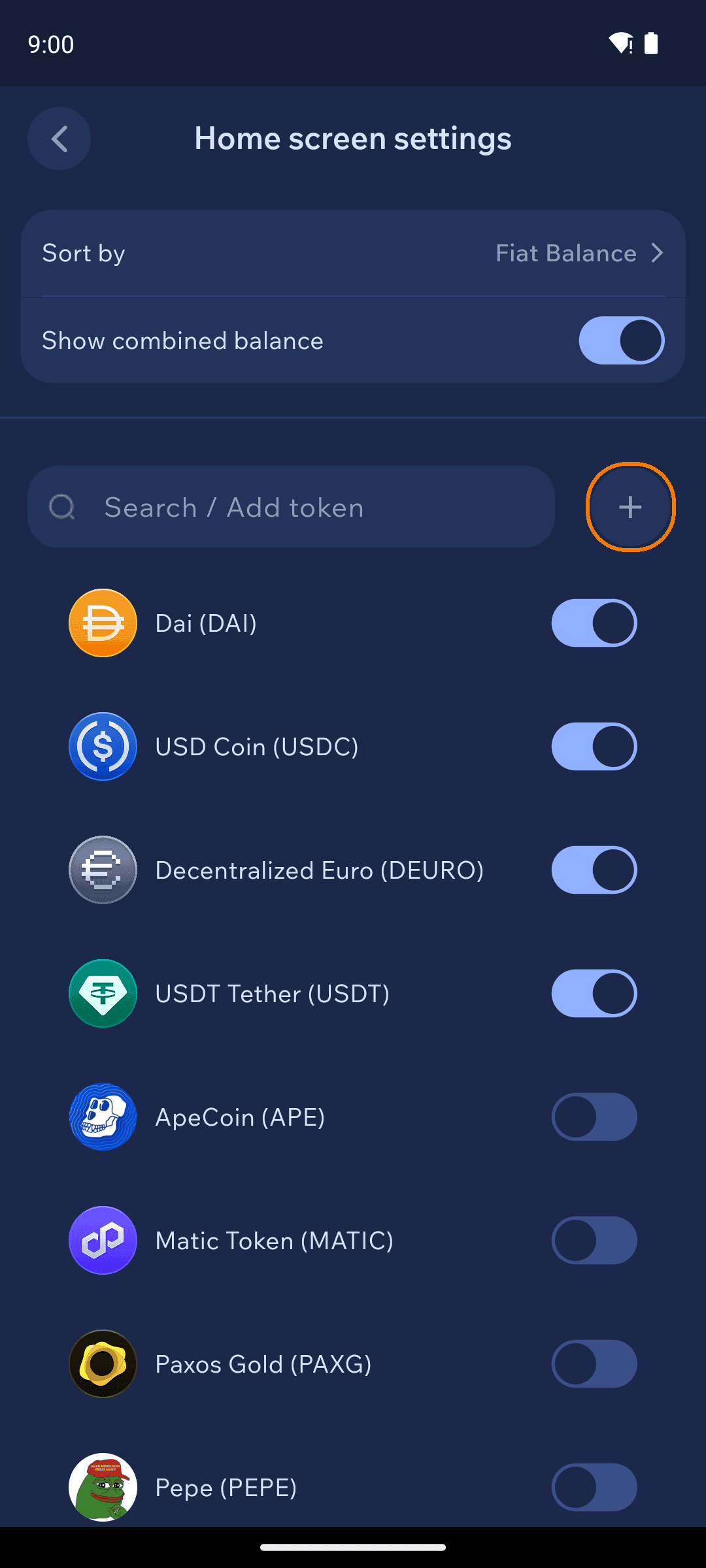
On the wallet home screen, open the Assets tab and tap the Tokens button. The Home screen settings page lists available tokens with toggles — flip one on and it appears on your home screen. You can also sort assets and switch the combined-balance display here.
Home screen settings with token toggles
Add a token by contract address
If a token isn't in the list, add it with its contract address:
1
Get the address from a source you trust
Copy the token's contract address from the project's official website or a reputable block explorer (like Etherscan). Never use an address someone sent you in a DM or comment thread — fake lookalike tokens are the oldest scam in the book, and Cake Wallet will warn you about exactly that.
2
Fill in the form
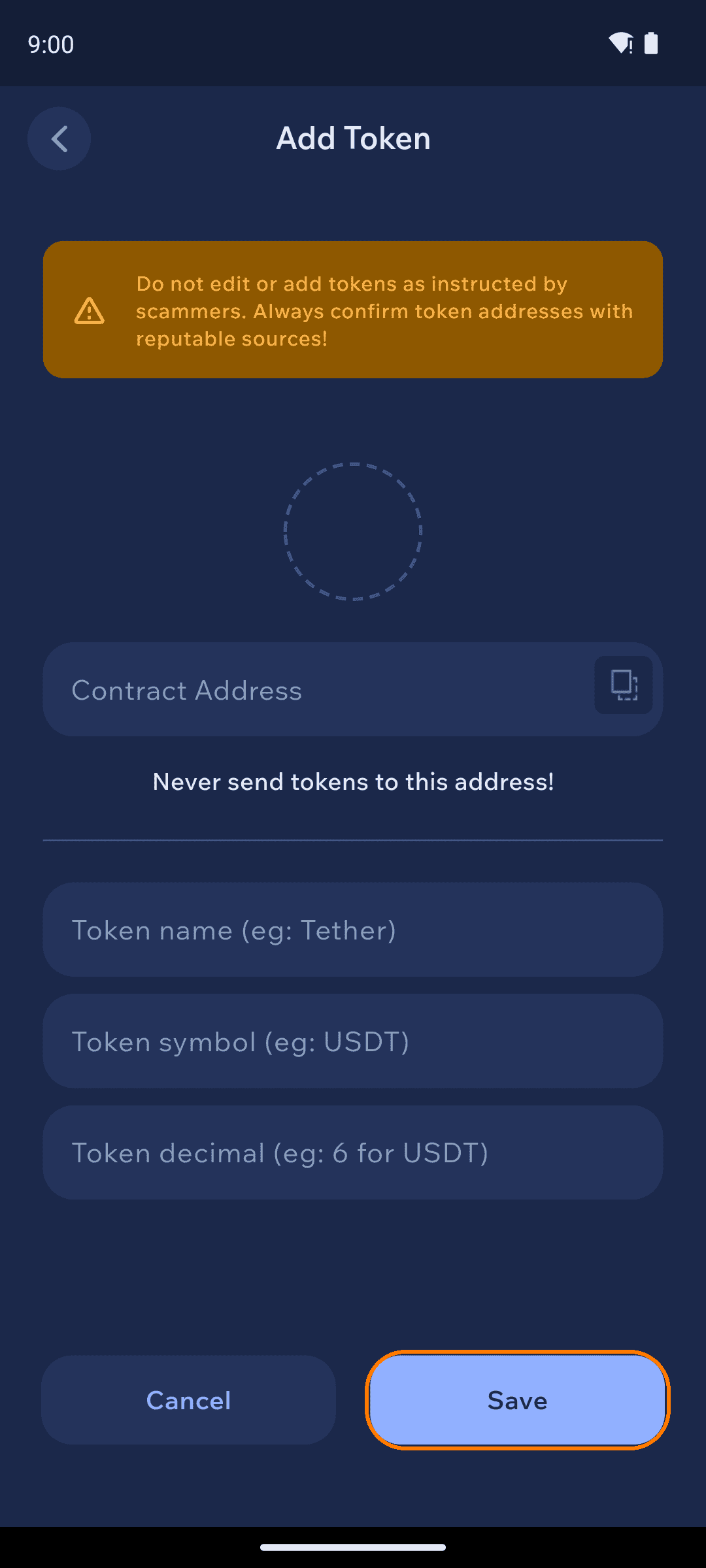
On Home screen settings, tap +. Paste the contract address — the token's name, symbol, and decimals usually fill in automatically. Tap Save.
Add Token form with scam warning
A contract address identifies a token — it is not a deposit address. As the form says: never send tokens to the contract address. Funds sent there are unrecoverable.
3
Done
The token appears on your home screen with your balance. Receiving works with your wallet's normal address — one address covers the native coin and every token on that chain (see Receive funds).
Which standard am I adding?
The form is the same everywhere — only the token standard differs by chain:
Zano has no curated default asset list, so every extra asset on a Zano wallet is one you add yourself by asset ID.
The same ticker can exist on many chains — USDT lives on Ethereum, Tron, Solana, and more. Add the token on the chain you'll actually receive it on, and make sure senders use that network.