For the complete documentation index, see llms.txt. This page is also available as Markdown.
Manage wallets
Cake Wallet lets you keep as many wallets as you like on a single device and switch between them at any time. This page covers the Wallets screen: viewing your wallets, switching between them, renaming a wallet, and deleting one.
The Wallets screen
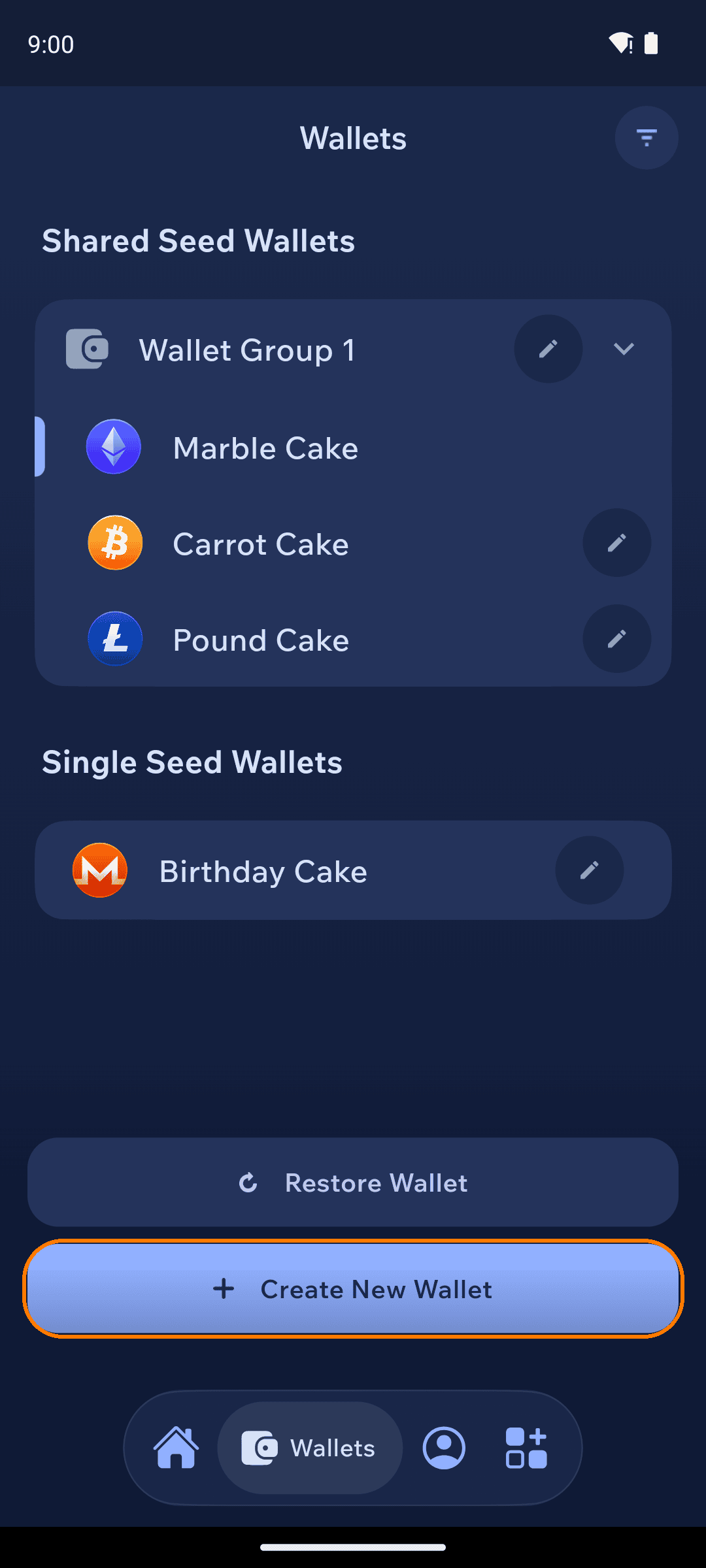
Tap the Wallets tab in the bottom navigation bar to see all of your wallets. They are organized into two sections:
Shared Seed Wallets — wallets that were created together from a single seed as part of a wallet group.
Single Seed Wallets — wallets that each have their own separate seed.
The Wallets screen listing shared-seed and single-seed wallets
From this screen you can also tap Create New Wallet to add a new wallet, or Restore Wallet to bring in an existing one.
Switching wallets
Tap any wallet in the list to make it your active wallet. Cake switches to that wallet and returns you to the home screen, where its balance and transaction history are shown.
Renaming a wallet
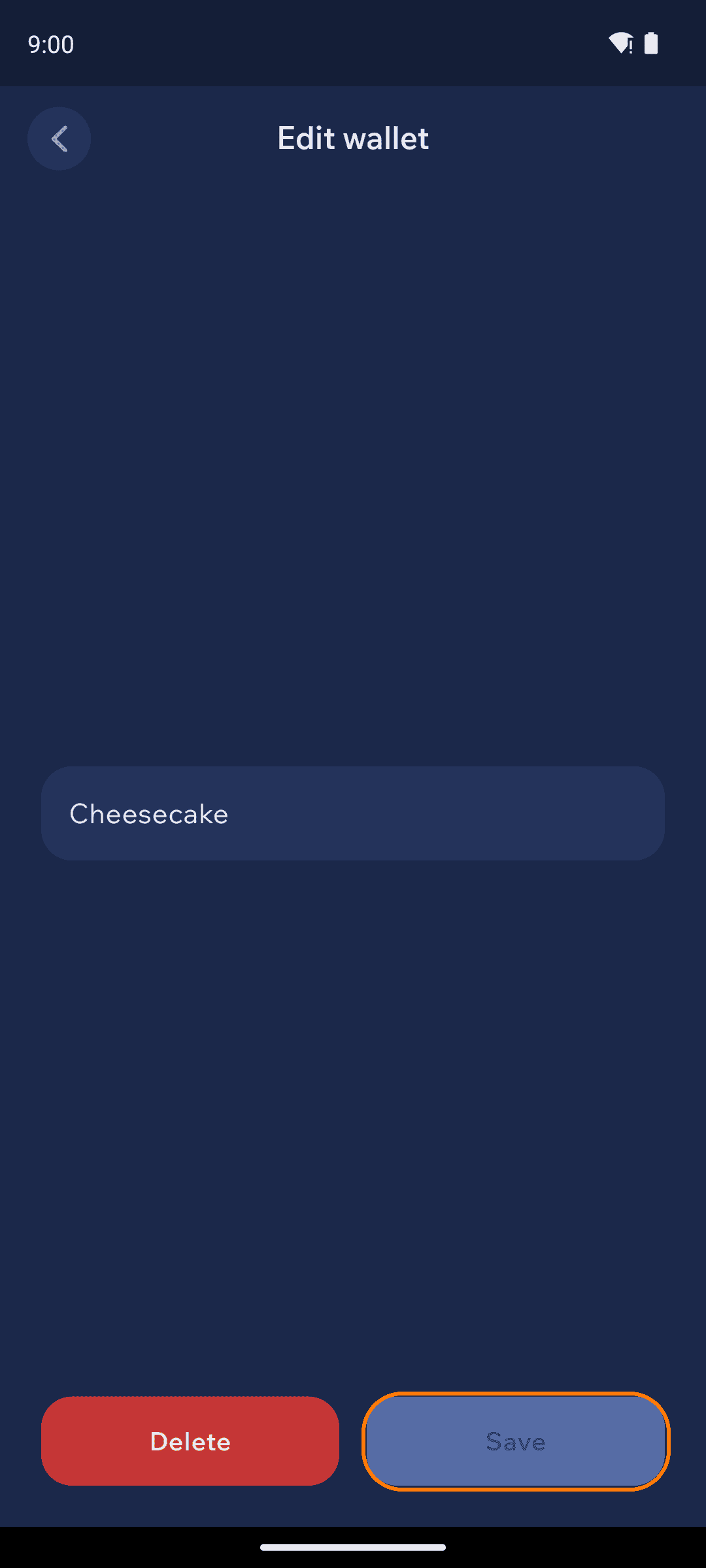
Tap the pencil icon next to a wallet to open the Edit wallet screen. Enter a new name, then tap Save.
The Edit wallet screen, with a name field, Save, and a red Delete button
Deleting a wallet
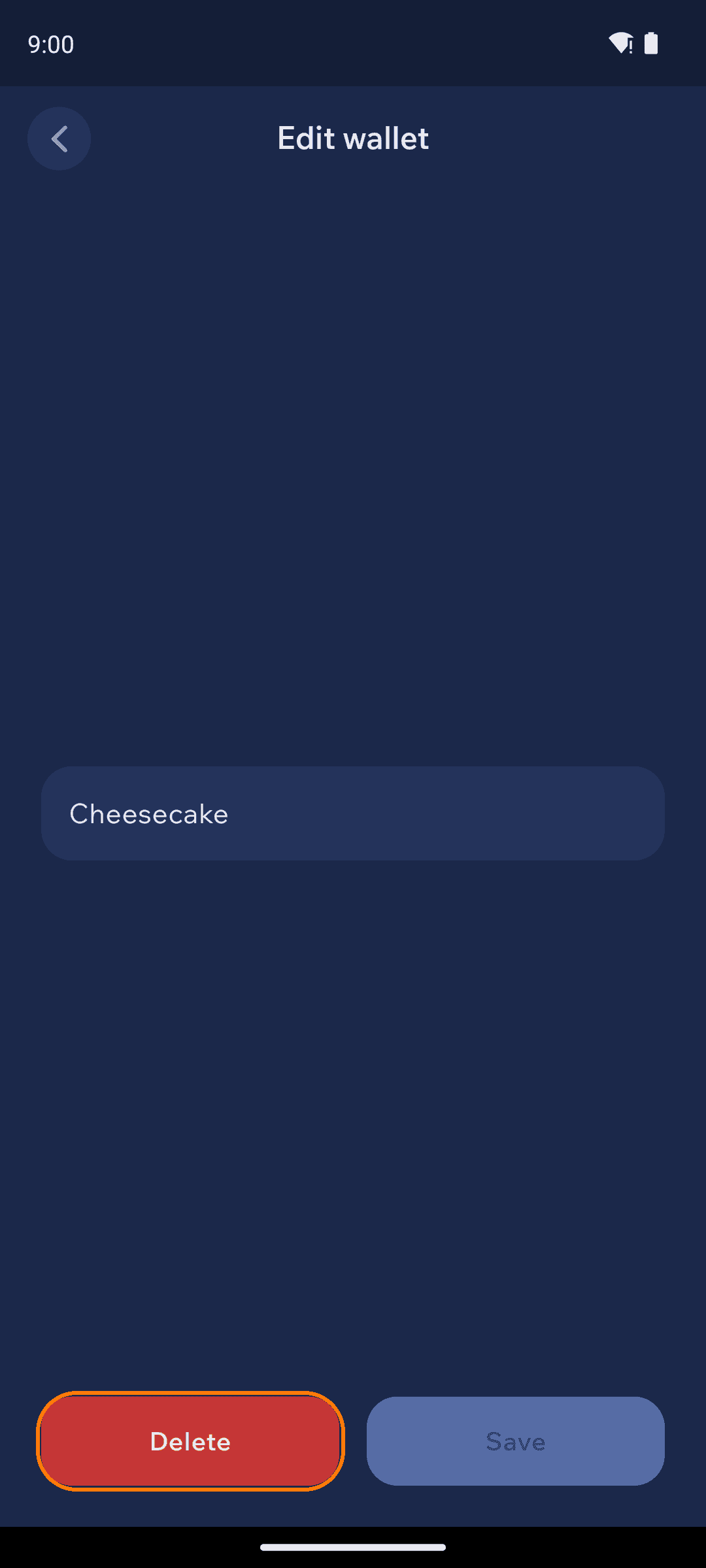
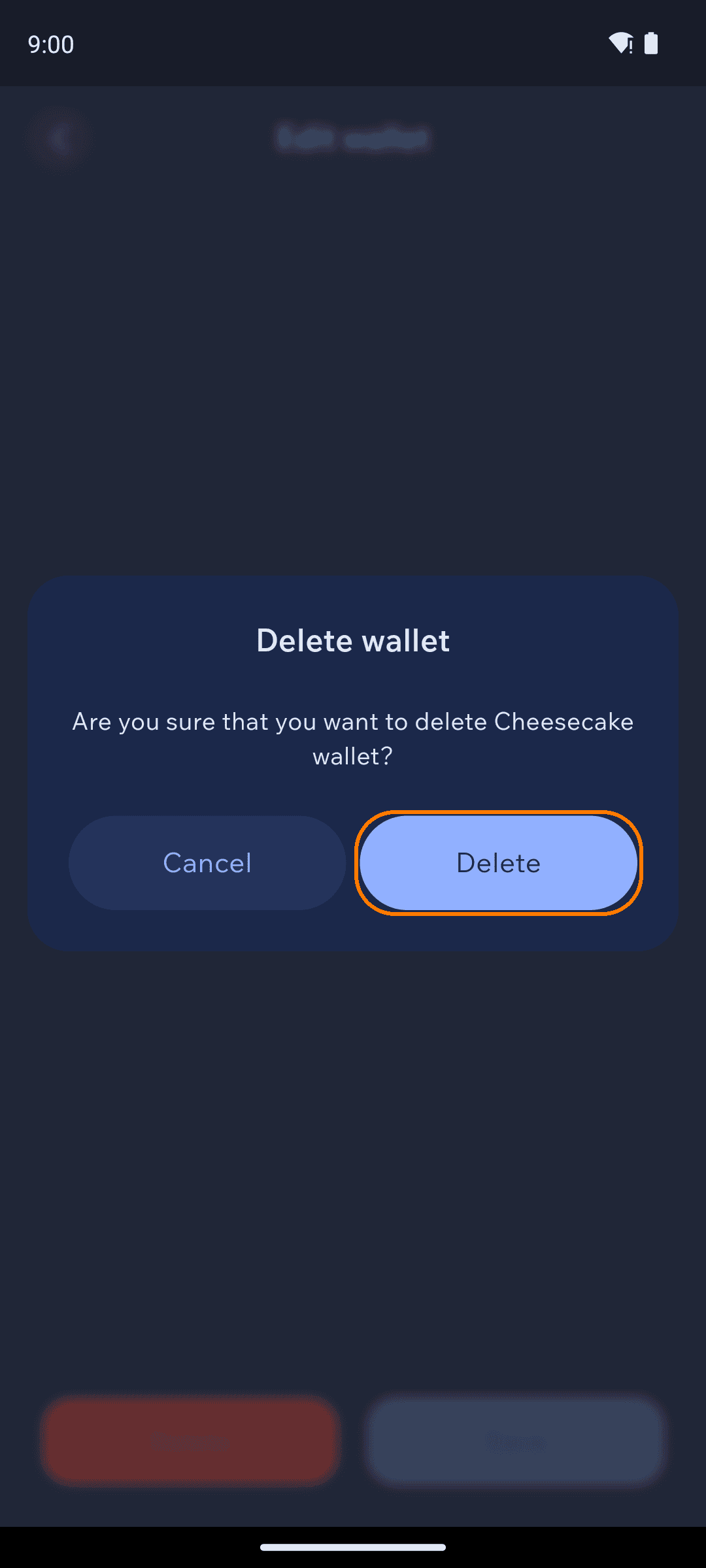
To delete a wallet, open the Edit wallet screen (tap the pencil next to the wallet), tap the red Delete button, and confirm on the prompt.
The Edit wallet screen with the red Delete button highlighted
Confirming that you want to delete a wallet
Deleting a wallet removes it and its transaction history from this device. If you have not backed up that wallet's seed (or private keys), any funds it holds will be lost permanently — neither Cake nor anyone else can recover them. Always make sure you have a working backup before deleting a wallet you might need again.
Once you confirm, the wallet is removed from your list. Your other wallets are unaffected.