For the complete documentation index, see llms.txt. This page is also available as Markdown.
Litecoin MWEB
MWEB (MimbleWimble Extension Blocks) is Litecoin's built-in privacy layer. Move your litecoins into MWEB and amounts and addresses become confidential — outside observers can't see how much you hold or receive. In Cake Wallet, MWEB shows up as a second, "Private" side of your Litecoin wallet.
The other incredible benefit of MWEB is the ability to re-use your MWEB address over and over — without revealing your payments to the world. Because of that you can easily post an MWEB address publicly, put it in your X bio, post it on Github for donations, and much more without the normal privacy concerns.
MWEB is available on iOS and Android.
Enable MWEB
1
Start from the home banner
Your Litecoin wallet's home screen shows an MWEB banner — tap it (or go to Settings → Privacy → MWEB) to open MWEB settings.
Litecoin home with MWEB banner
2
Turn it on
Flip Enable MWEB. The same screen holds MWEB Scanning, MWEB Logs, and MWEB Node if you ever need them.
MWEB settings with Enable MWEB toggle
3
Let the first sync finish
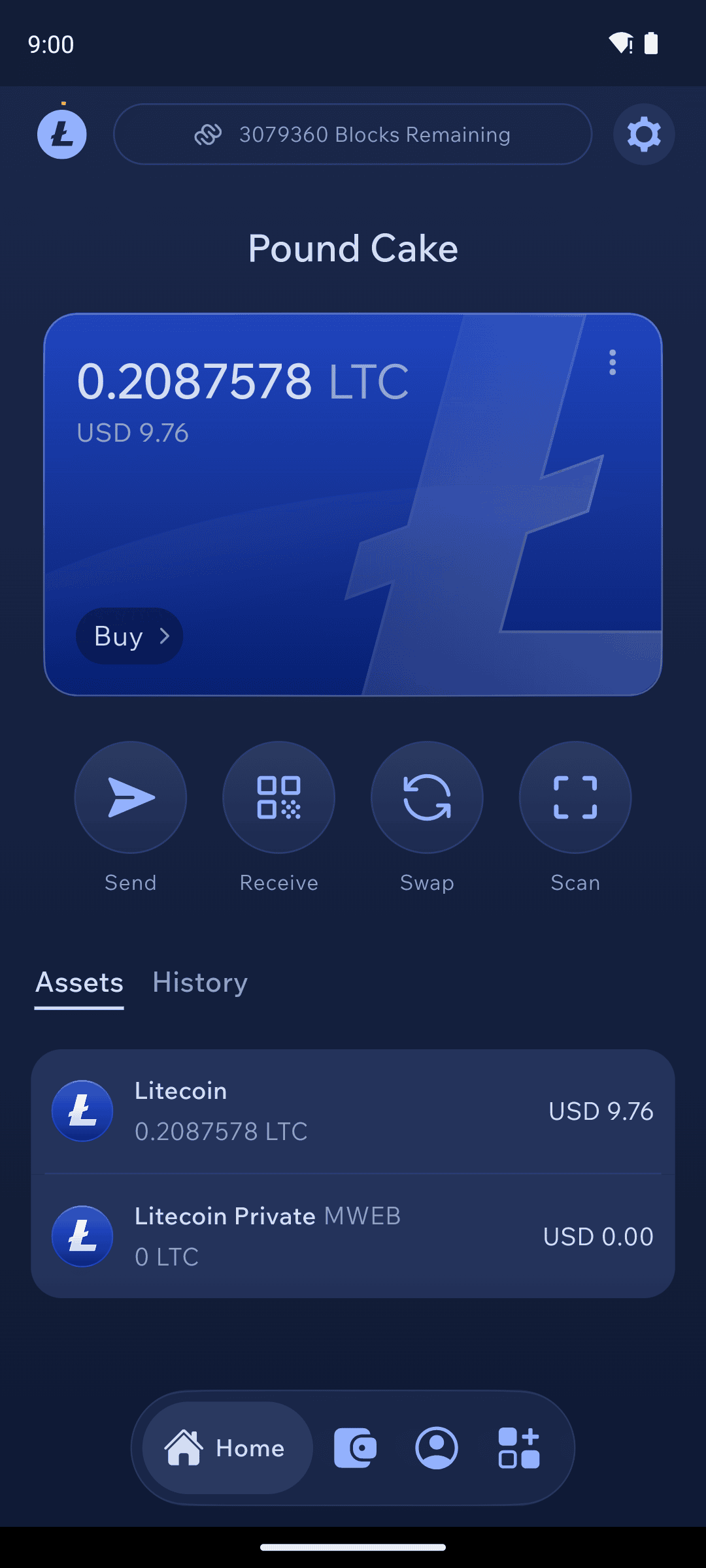
MWEB needs to download extra chain data the first time — expect a large download (hundreds of MB) and a wait, so start it on Wi-Fi. Your home screen shows a Blocks Remaining counter, and an Assets tab appears listing your Litecoin and Litecoin Private balances separately.
This download happens once per device, no matter how many Litecoin wallets you have.
Home screen during MWEB sync with Assets tab
Receive privately
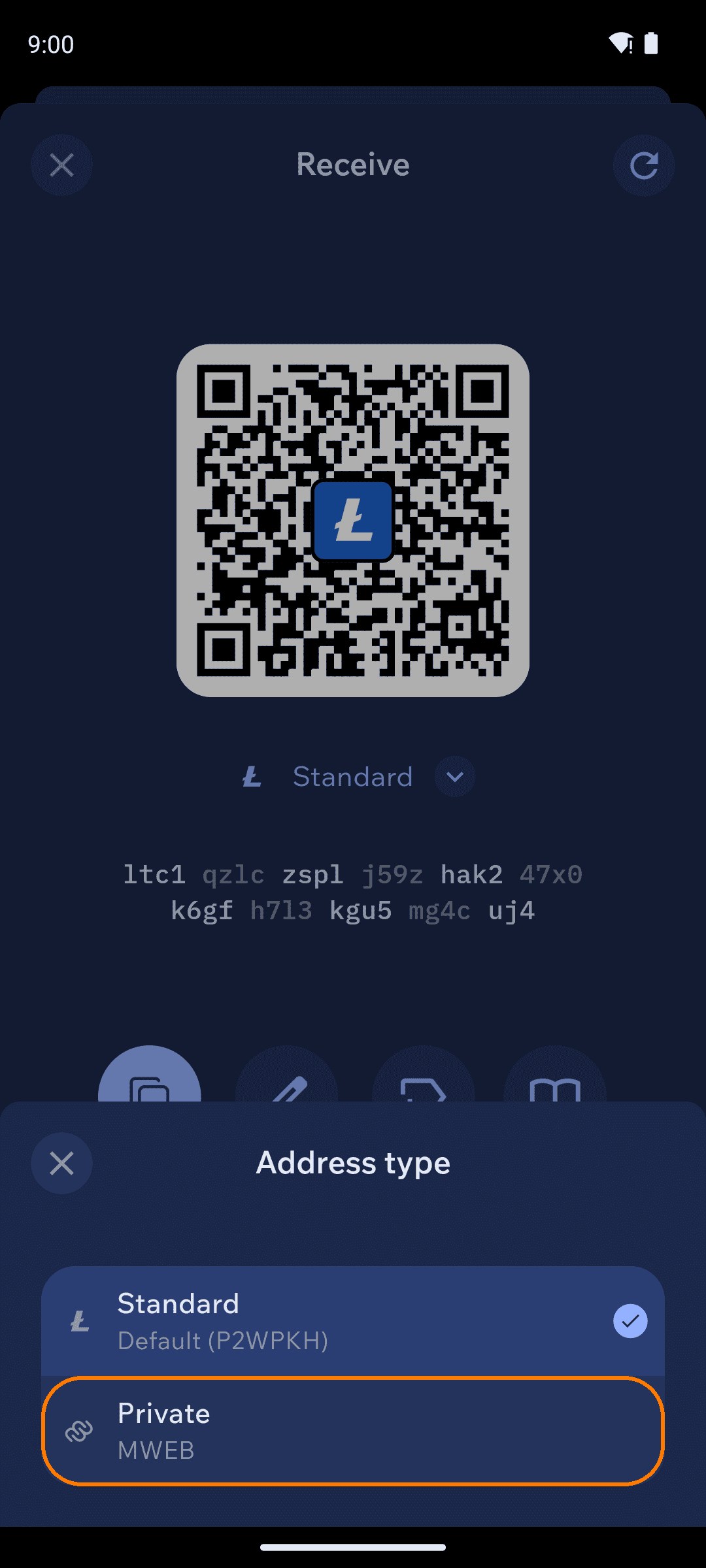
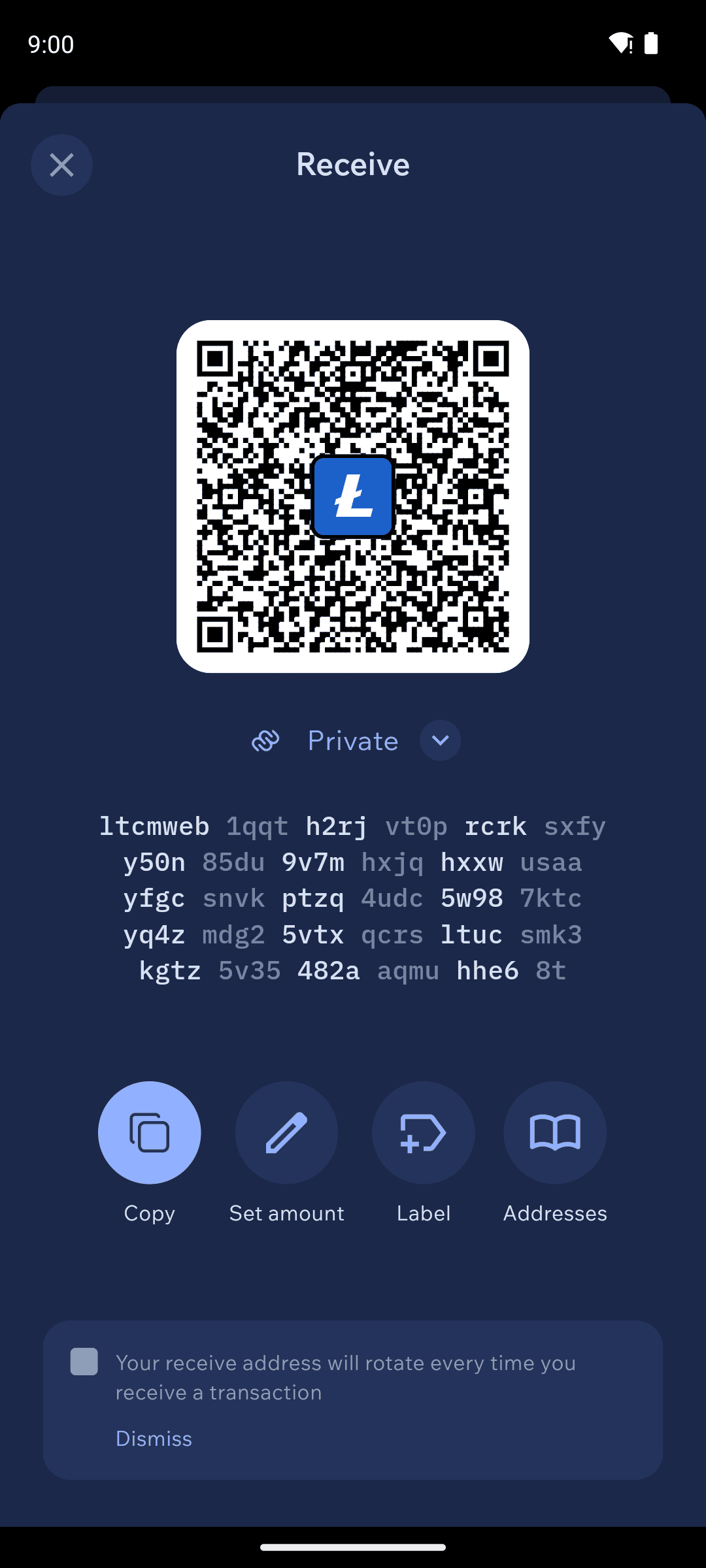
Tap Receive, tap the address type under the QR code, and switch from Standard to Private. Your MWEB address starts with ltcmweb1 — payments to it are confidential from the moment they arrive.
LTC address types: Standard and Private (MWEB)
MWEB receive address
Moving between Standard and Private
Sending works the same in both directions — MWEB is just an address type:
Into MWEB ("peg in"): send from your standard balance to your own ltcmweb1 address.
Out of MWEB ("peg out"): send from your MWEB balance to a standard ltc1 address.
Paying someone on MWEB: paste their ltcmweb1... address into the Send screen — no extra steps.
You don't have to peg in before paying an MWEB address, but holding funds in MWEB ahead of time improves your privacy and makes MWEB payments faster.
Pegs need six confirmations — MWEB-to-MWEB transfers don't. Peg-in and peg-out transactions cross between the standard chain and MWEB, so they wait for six confirmations before the funds show up on the other side. That wait is normal, not a stuck transaction. Transfers that stay inside MWEB — paying from your MWEB balance to an ltcmweb1 address — have no such requirement.
If you disable MWEB later, your MWEB address keeps working — but you'll need to re-enable scanning to see funds sent to it in the meantime.