For the complete documentation index, see llms.txt. This page is also available as Markdown.
Bitcoin Lightning
Lightning lets you send and receive Bitcoin instantly, with fees measured in fractions of a cent — perfect for everyday payments where waiting for on-chain confirmations doesn't make sense.
Cake Wallet's Lightning support is powered by Spark, a new Bitcoin scaling network, through the Breez SDK. What that means for you: it's self-custodial and there are no channels to open, manage, or rebalance — it just works. The honest tradeoff: your Lightning balance lives on the Spark network rather than on the Bitcoin chain itself, so treat it like a spending balance and keep larger amounts on-chain.
Lightning is available on Bitcoin wallets on mobile and macOS (not Windows/Linux), and is enabled by default. You can turn it off under Settings → Privacy → Enable Lightning.
Your Lightning balance
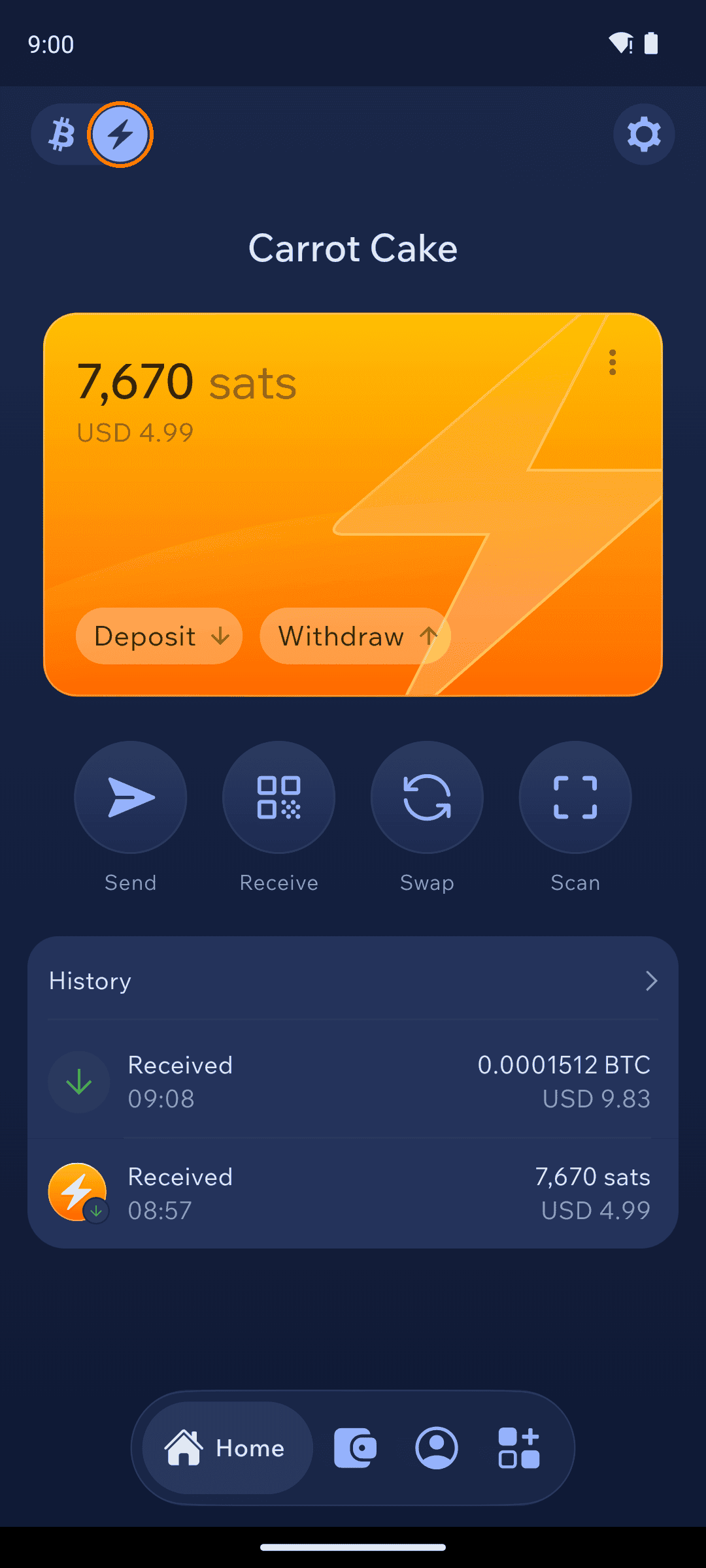
Your Bitcoin wallet's home screen has two chips at the top left: the Bitcoin chip for your on-chain balance, and the ⚡ chip for Lightning. Tap ⚡ to see your Lightning balance (shown in sats) with Deposit and Withdraw buttons.
Lightning balance view with Deposit and Withdraw
Receive on Lightning
1
Open the Lightning receive tab
Tap Receive, tap the address type under the QR code, and choose Lightning.
Address type sheet with Lightning option
2
Share your Lightning address
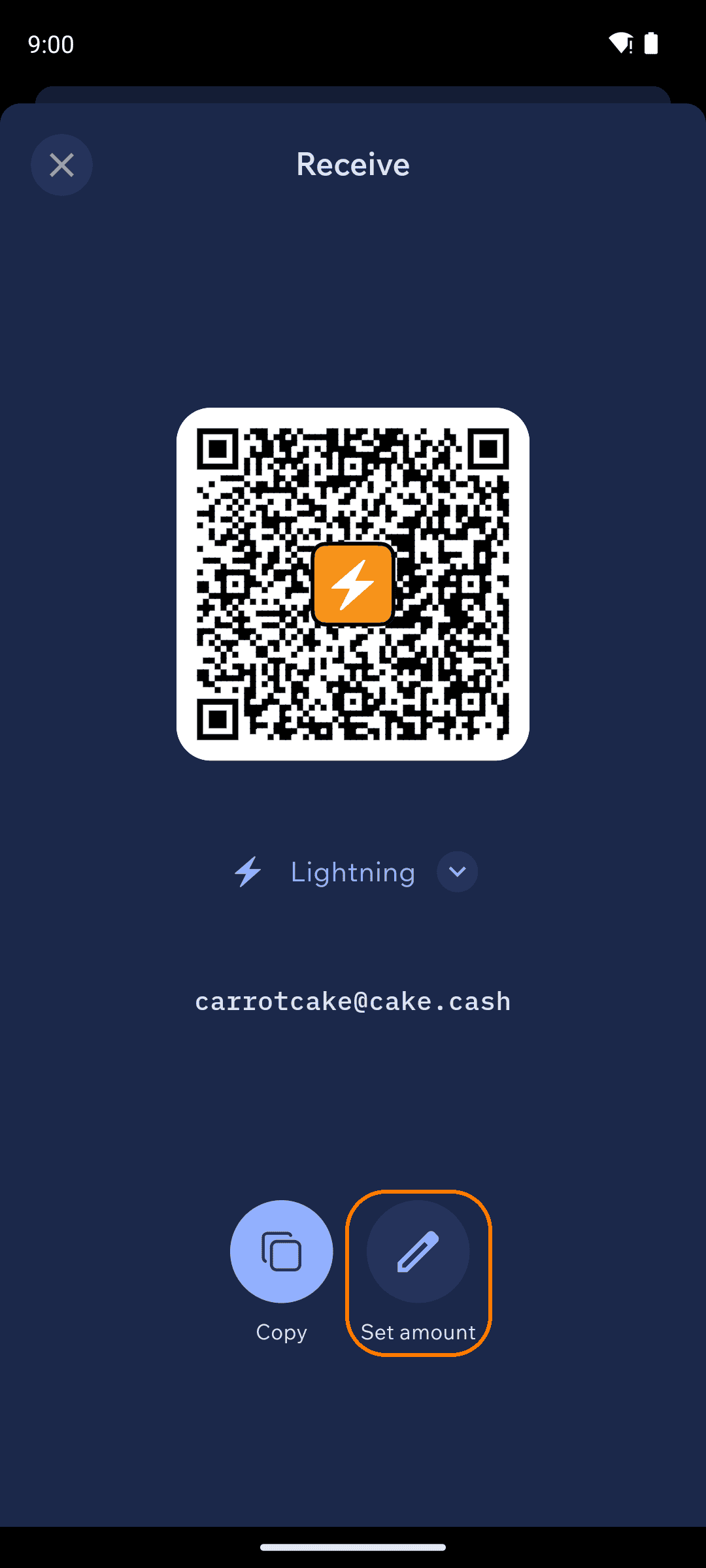
Your wallet gets a Lightning address — like carrotcake@cake.cash — that anyone can pay from any Lightning wallet, any amount, any time. Share it as text or let them scan the QR. Use Set amount to request a specific amount instead.
Lightning receive screen with Lightning address
Pick your Lightning username
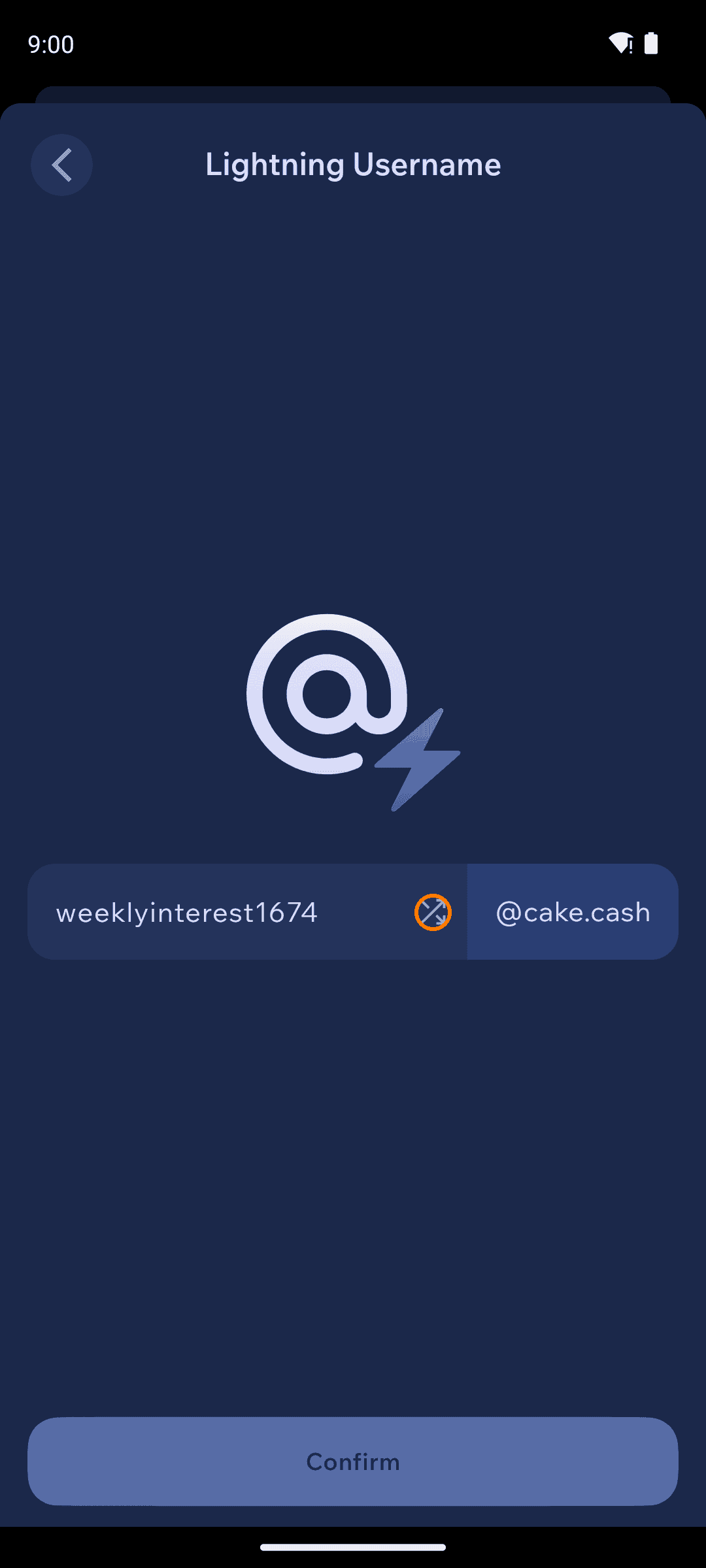
Cake Wallet offers you a username when you create a Bitcoin wallet, and you can change it any time under Settings → Lightning Username. Choose a custom name (letters, numbers, -, _, .) or tap the shuffle icon for a random one — it becomes your yourname@cake.cash address.
Changing the Lightning username
Send on Lightning
Sending works from the same Send screen as on-chain Bitcoin: paste or scan a Lightning invoice or a Lightning address, and Cake Wallet routes the payment over Lightning automatically. Payments settle in seconds — ordinary Lightning sends and receives never wait for on-chain confirmations.
Move between on-chain and Lightning
Use the Deposit and Withdraw buttons on the Lightning balance view:
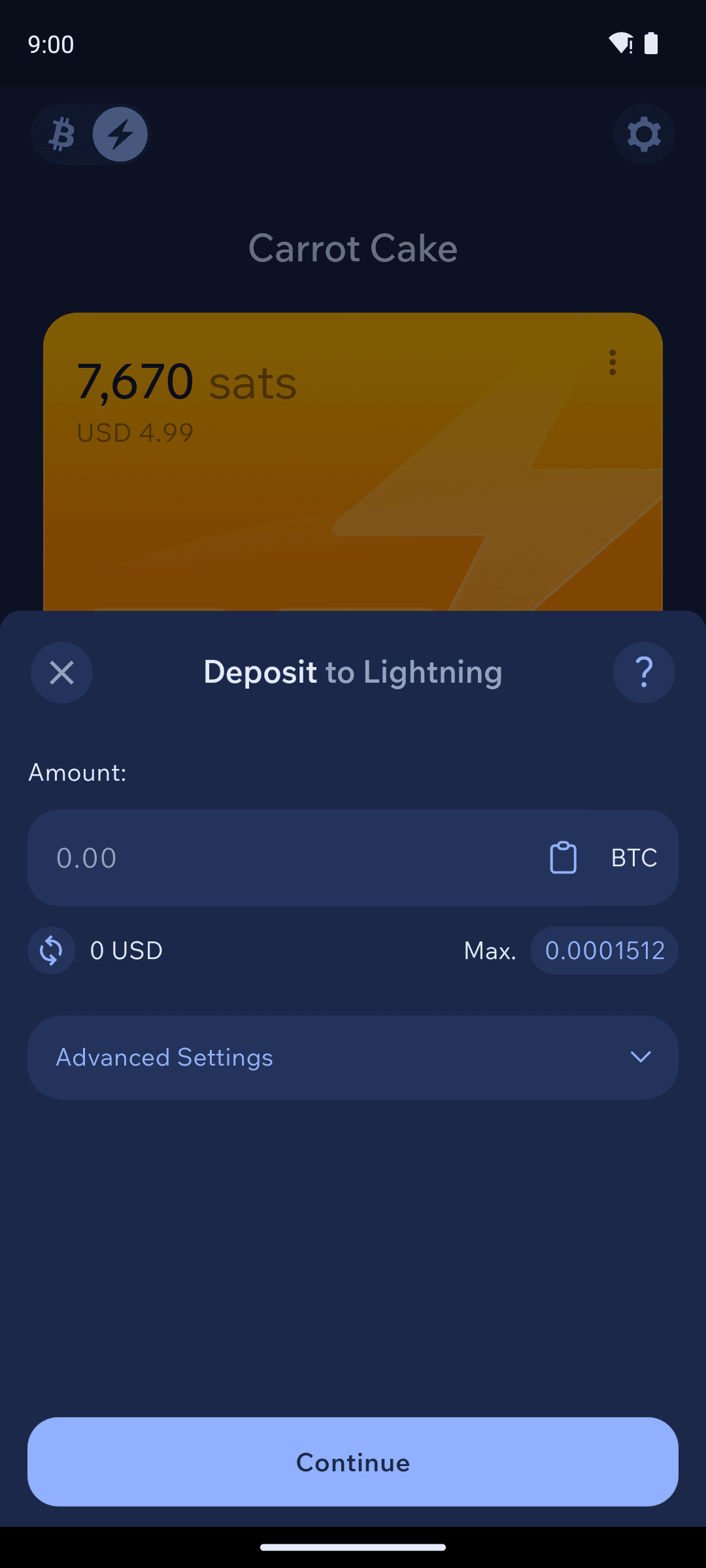
Deposit to Lightning — moves on-chain BTC into your Lightning balance. The sheet shows the network fee estimate up front, and Advanced Settings includes Coin Control for choosing which outputs to use.
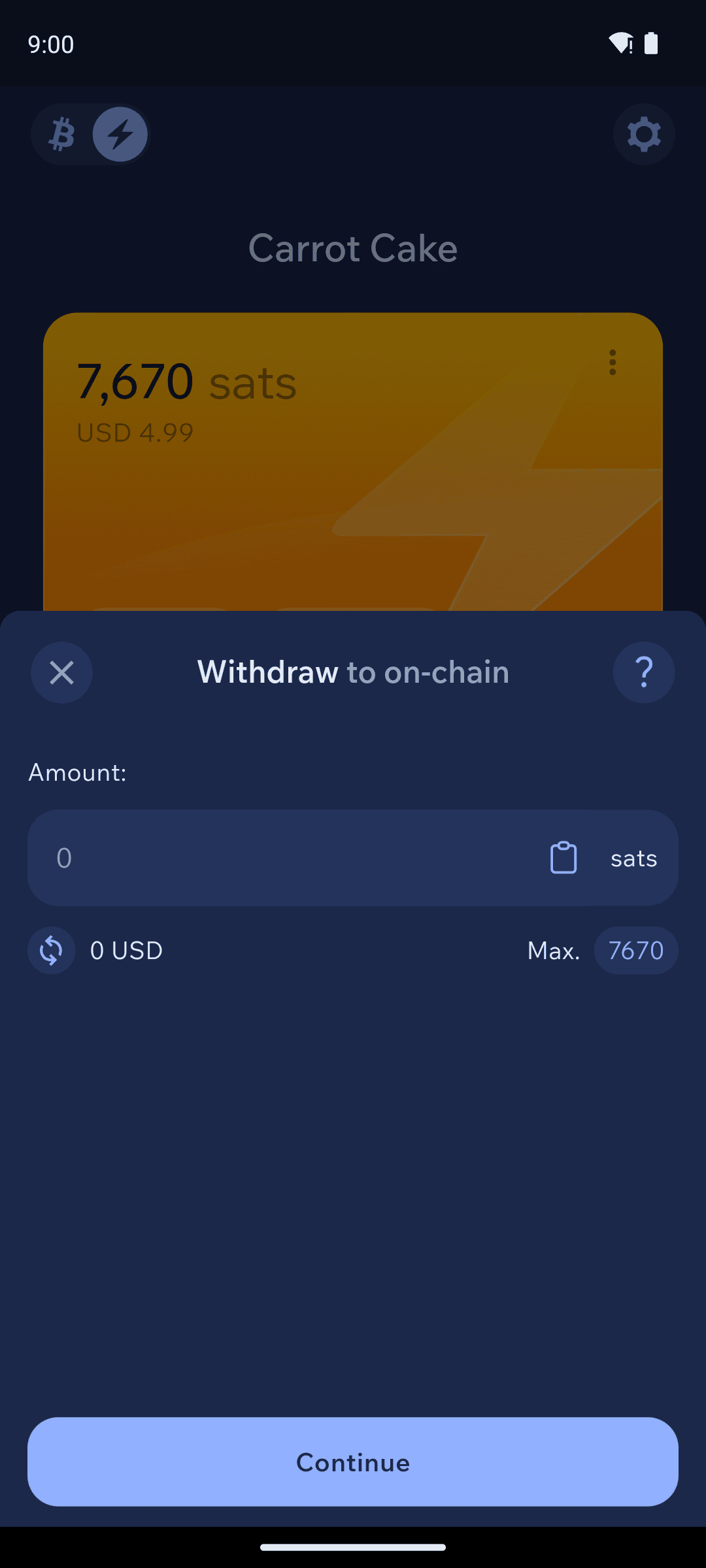
Withdraw to on-chain — moves sats from Lightning back to your on-chain Bitcoin balance, as an on-chain transaction.
Deposit to Lightning sheet
Withdraw to on-chain sheet
Six confirmations applies only to moving funds in and out of Lightning. Deposits and withdrawals bridge between the Bitcoin chain and Spark, so both wait for six on-chain confirmations before the funds land on the other side — and deposits pay a normal on-chain fee. Sending and receiving on Lightning is unaffected: Lightning-to-Lightning payments are instant and never wait for confirmations. Small, frequent moves add up in fees — deposit what you plan to spend.