

Duress PIN
A duress PIN is a second PIN for the worst-case scenario: someone forcing you to unlock your wallet. Enter your duress PIN instead of your real one, and Cake Wallet immediately deletes every wallet in the app — there's nothing left on the device to hand over.
This is a wipe, not a decoy. Entering the duress PIN permanently deletes all wallets from this device, and the app gives no warning when it happens — that's the point. Your funds stay safe on their blockchains, but they are only recoverable with your seed phrases. Do not set up a duress PIN until every wallet's seed is backed up somewhere outside this device.
Who this is for
The duress PIN protects against physical coercion — border crossings, robbery, anyone demanding you open the app. It's an advanced tool with a sharp edge: a mistyped-on-purpose PIN can't be undone. If that tradeoff doesn't fit your threat model, your regular PIN plus Cake 2FA covers most situations.
Set it up
Enable Duress PIN
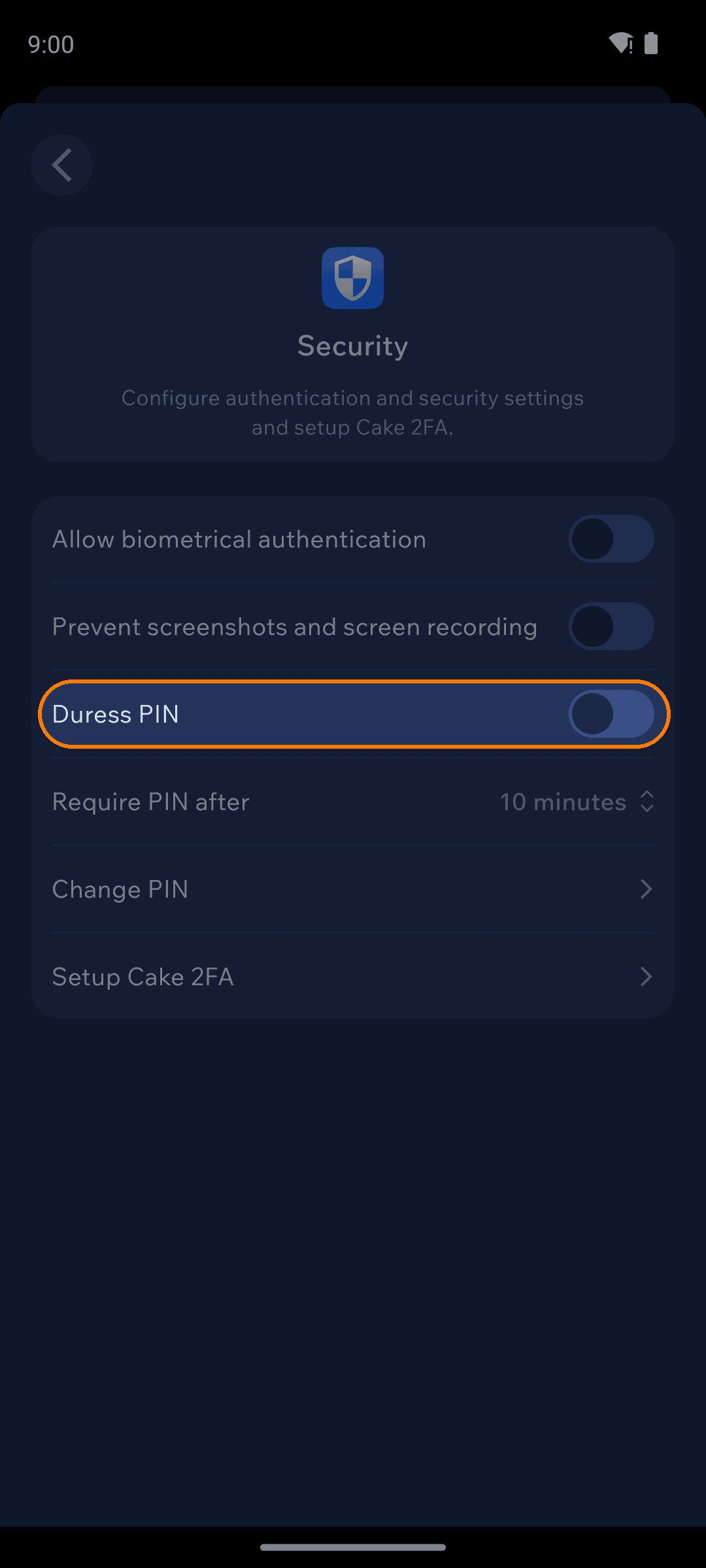
Open Settings → App settings → Security and turn on Duress PIN. Two dialogs come first: a Notice explaining that this is an advanced feature which will delete all of your wallets, and then a Confirm dialog asking Did you back up all your seeds?. Only after you accept both does the PIN pad open — so decide your duress PIN before you get there.
What happens when it's used
Entering the duress PIN at any unlock prompt does not unlock your wallets. Cake Wallet wipes the device first — closing the open wallet, clearing its secure storage, deleting the wallet files and database entries, and resetting its authentication data — and then drops you on the welcome/onboarding screen, exactly as if the app had just been installed. The unlock itself is reported as a failure, so there is no wallet to hand over and nothing on screen that hints a wipe just happened.
To recover afterwards, reopen or reinstall Cake Wallet and restore each wallet from its seed. A wallet group seed restores all of its member wallets, which makes recovery much faster — one more reason to prefer grouped BIP39 wallets.
A duress wipe removes wallets from this device only. It does not touch funds on-chain, other devices, or Cake backups you've exported elsewhere — an attacker who later finds a backup file would still need its password.